

Replied Contacts
- Continue the conversation
- Send requested information
- Schedule an appointment
- Assign a team member
TextTorrent helps businesses build follow-up audiences from campaign analytics—contacts who replied and contacts who did not reply. Review subscriber status, prepare a relevant next message, and continue conversations where appropriate.
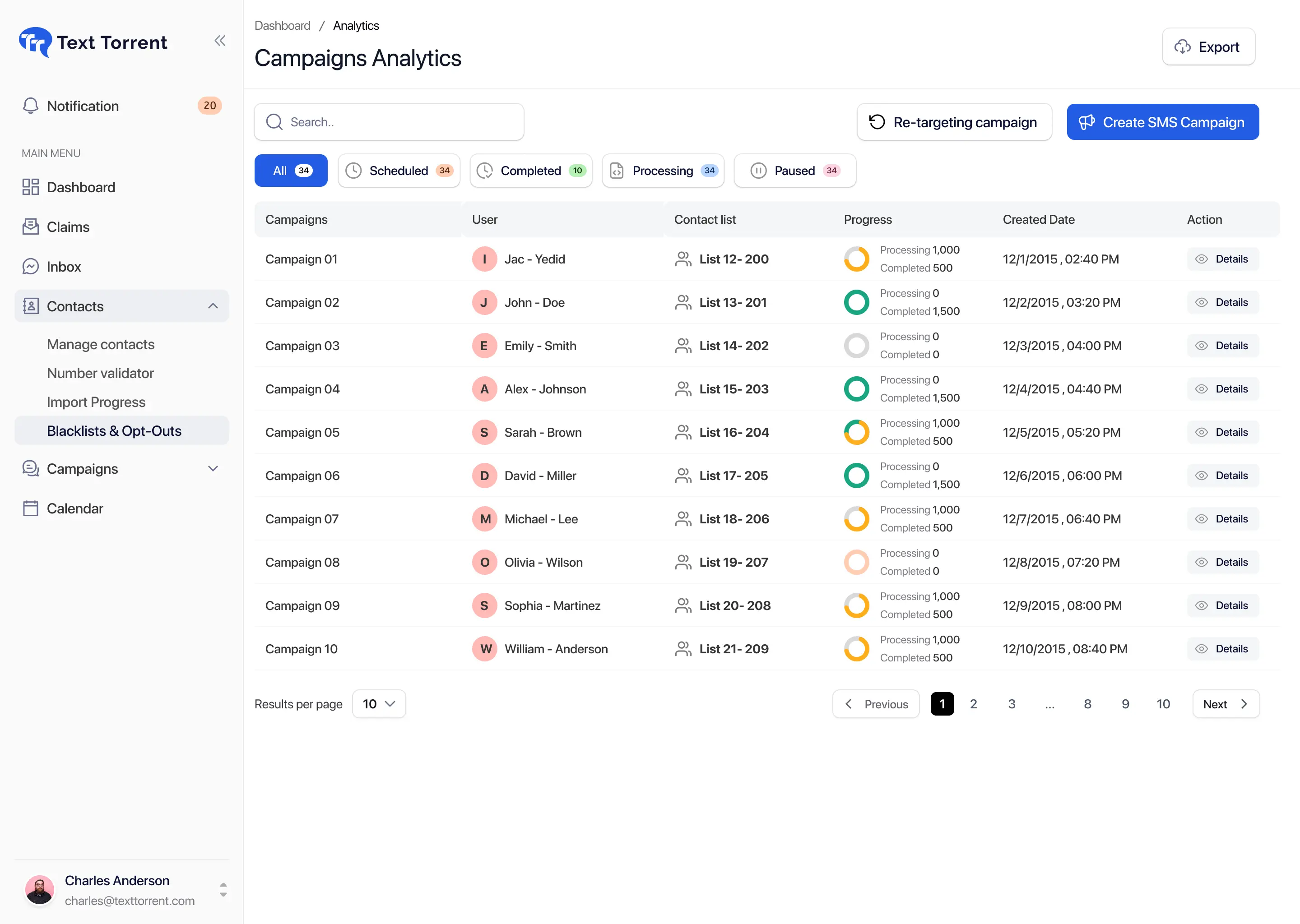
After a send, contacts split into different outcomes. Treating every number the same leads to weak follow-up, missed replies, or unnecessary risk.

Replies often need a team member rather than another generic campaign. Questions, objections, and requests deserve a relevant response.

Non-response does not prove disinterest, interest, delivery, or readership. Eligibility and delivery results still matter.

Failed and undelivered messages should not automatically be treated as non-responders ready for another promotional push.

Contacts may opt out after the original campaign and must be excluded from later promotional follow-up.
TextTorrent connects the original campaign, campaign analytics, reply activity, non-reply activity, delivery status, contact status, opt-out and blacklist checks, audience selection, follow-up messaging, scheduling, and two-way conversations—so the next step stays inside the messaging platform.
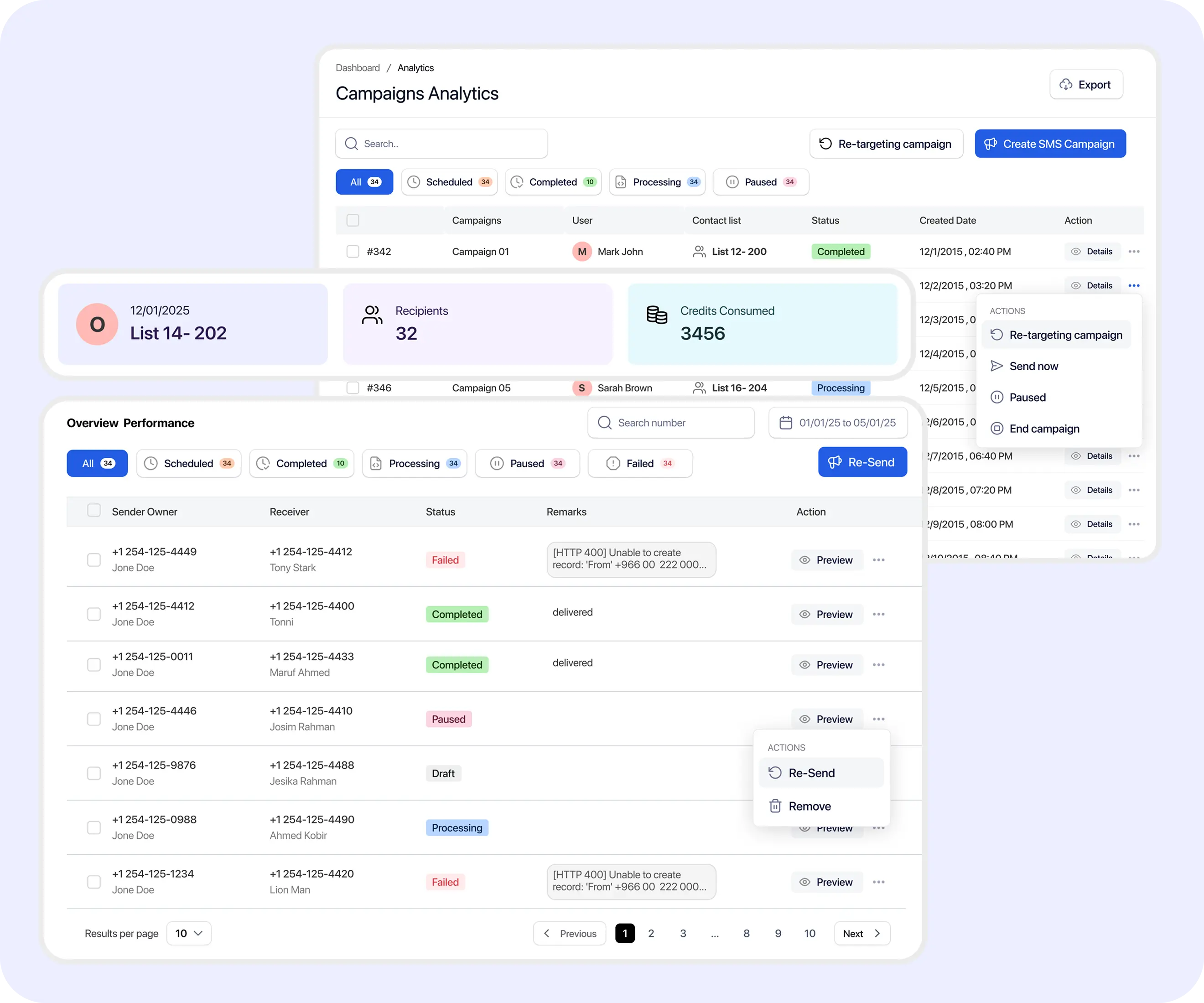
Use the audience definitions that match TextTorrent campaign analytics. Do not treat every unanswered message as a qualified retargeting opportunity.
Contacts with a recorded inbound response according to the campaign reporting definition. Best next step is often a direct conversation.
Contacts without a recorded response in the selected campaign. Consider one relevant reminder only after delivery and subscriber status are reviewed.
Contacts whose messages did not receive a successful delivery outcome. Investigate contact data or delivery results before another send.
Contacts who requested that messages stop or are currently suppressed. Do not include them in promotional follow-up.
Link-click, page-visit, purchase, and abandoned-cart retargeting are not claimed as TextTorrent SMS retargeting audiences.
Move from campaign analytics into a relevant next audience without re-messaging the entire original list by default.
Select the original campaign you want to follow up on from TextTorrent reporting.
Review replies, delivery statuses, and message details before choosing an audience.
Choose contacts who replied or did not reply using the supported retargeting workflow.
Exclude opted-out, blacklisted, invalid, or otherwise ineligible contacts before sending again.
Write a message that reflects the previous campaign context instead of repeating the first send word for word.
Send immediately or schedule the follow-up where scheduling is available.
Review delivery activity and move new replies into the conversation workflow.
The right next step depends on what the campaign actually produced—not on a single generic reminder for every number.
| Audience | What it means | Recommended next step | Avoid |
|---|---|---|---|
| Replied | A recorded response exists. | Review the reply and continue the relevant conversation. | Sending the same generic campaign again |
| Non-replied | No recorded response exists. | Consider one relevant reminder after checking delivery and status. | Repeated follow-up without new value |
| Failed or undelivered | Successful delivery was not confirmed. | Investigate the number or delivery result. | Repeatedly resending the same message |
| Opted out | The contact requested that messaging stop. | Maintain suppression. | Any promotional follow-up |
MeaningA recorded response exists.
Recommended next stepReview the reply and continue the relevant conversation.
AvoidSending the same generic campaign again
MeaningNo recorded response exists.
Recommended next stepConsider one relevant reminder after checking delivery and status.
AvoidRepeated follow-up without new value
MeaningSuccessful delivery was not confirmed.
Recommended next stepInvestigate the number or delivery result.
AvoidRepeatedly resending the same message
MeaningThe contact requested that messaging stop.
Recommended next stepMaintain suppression.
AvoidAny promotional follow-up
Non-response does not confirm interest, disinterest, delivery, or readership.
A contact who was eligible for the original campaign may no longer be eligible for a follow-up. Delivery results and current suppression status both matter.
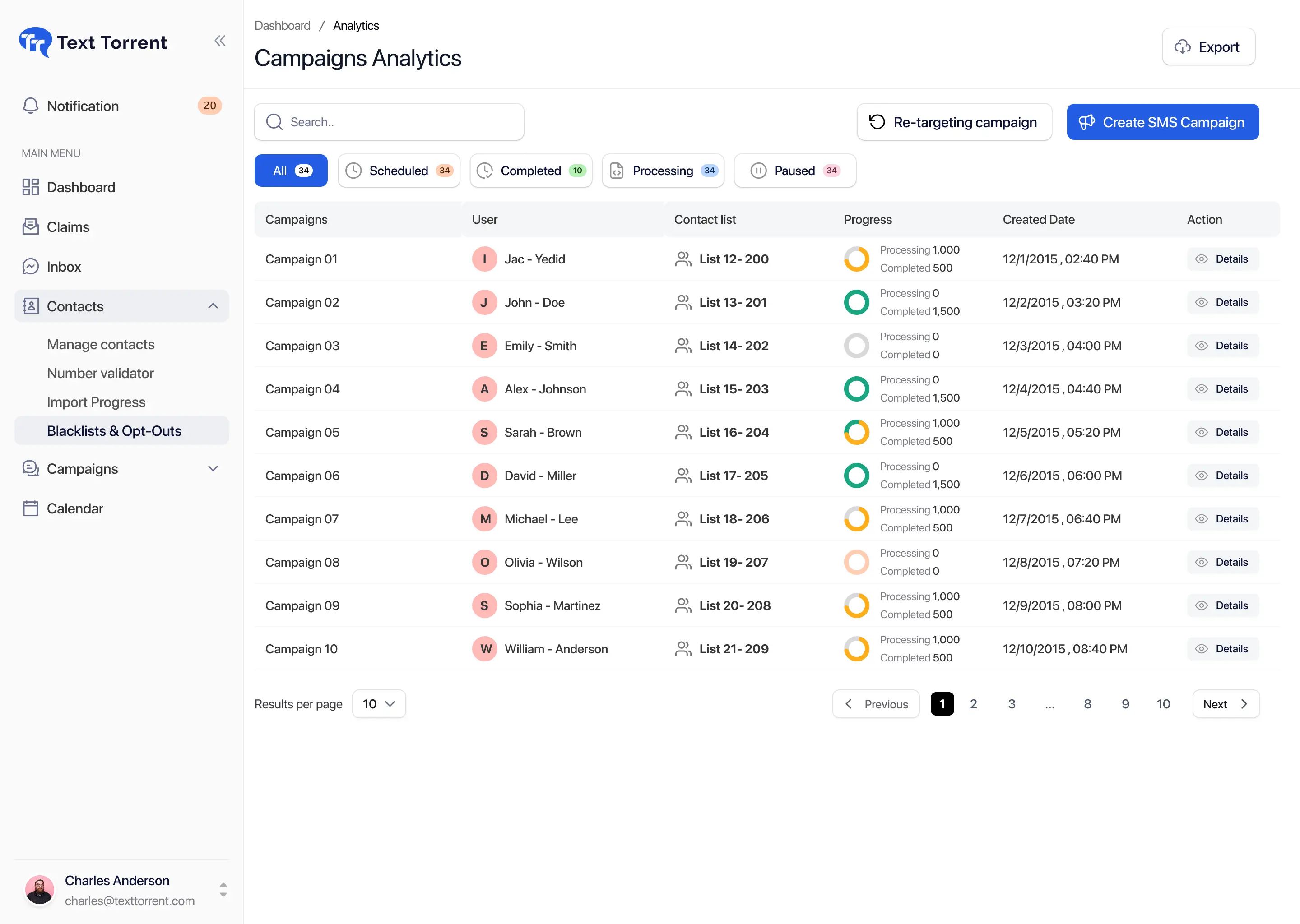
Where supported, TextTorrent helps teams create follow-up audiences from campaign analytics using replied and non-replied contact options.
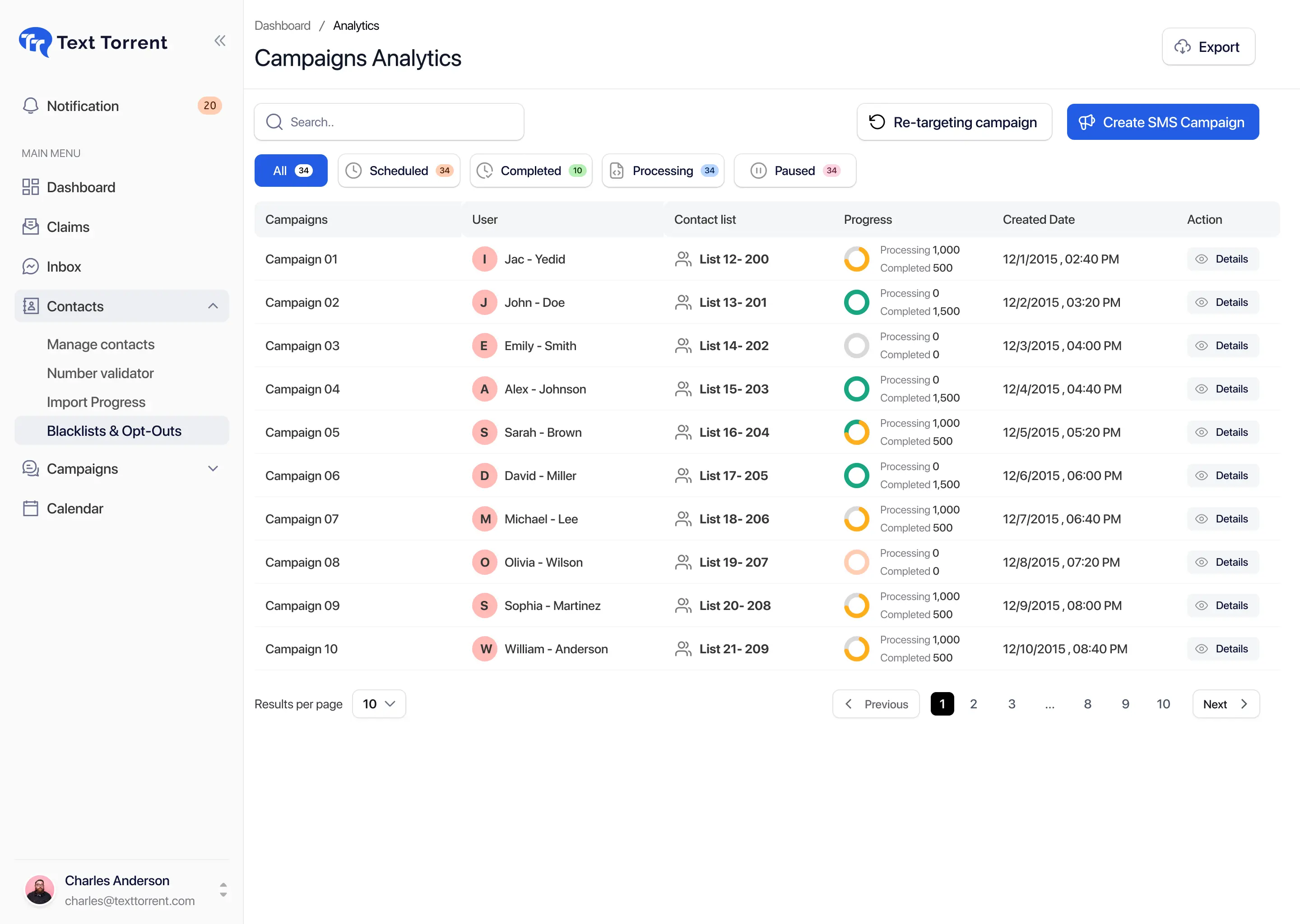
Use connected TextTorrent tools to prepare the next send carefully. Templates and schedules help consistency, but they do not replace eligibility review.
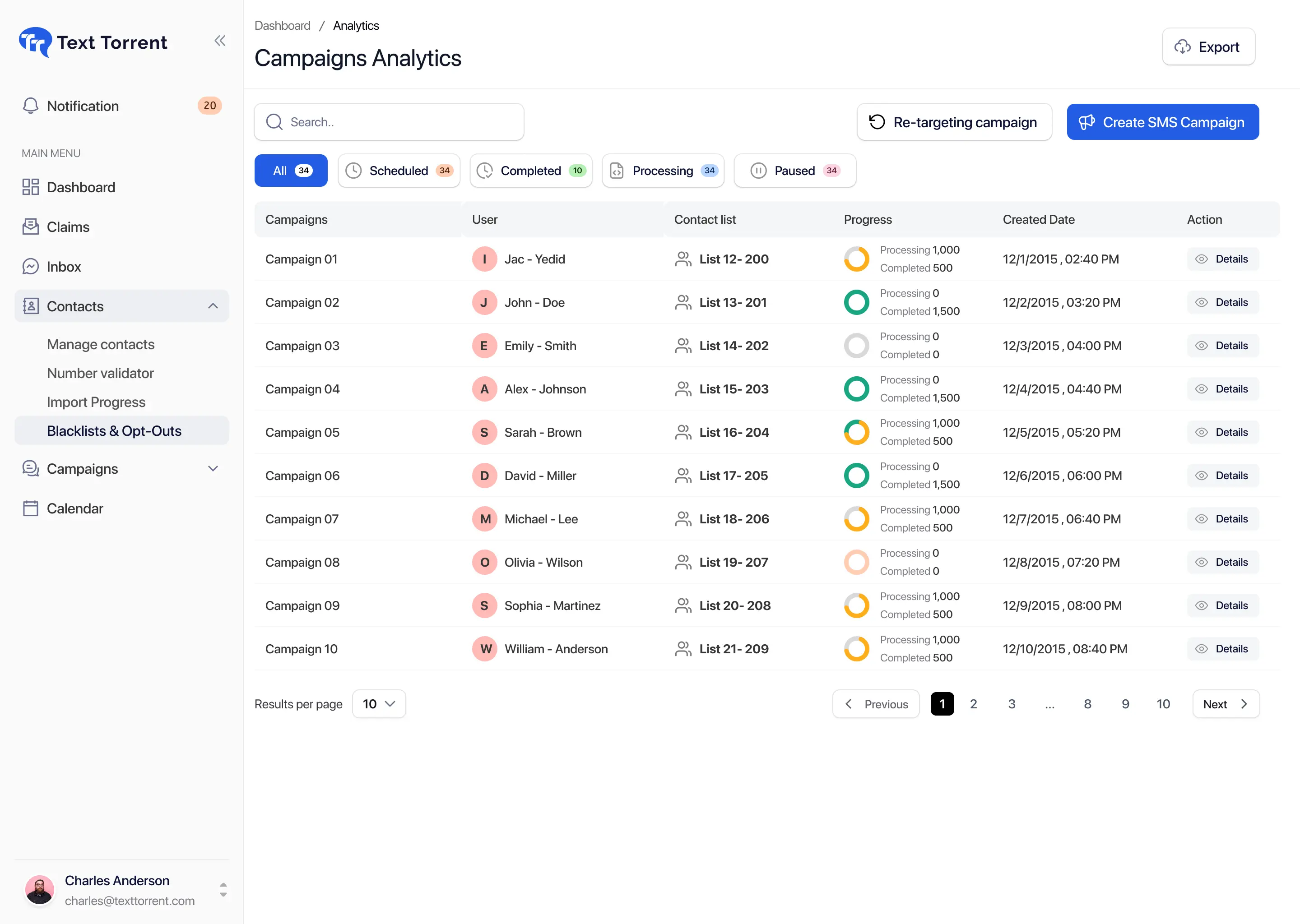
After a follow-up campaign produces a reply, the next step is usually a conversation—not another bulk send.
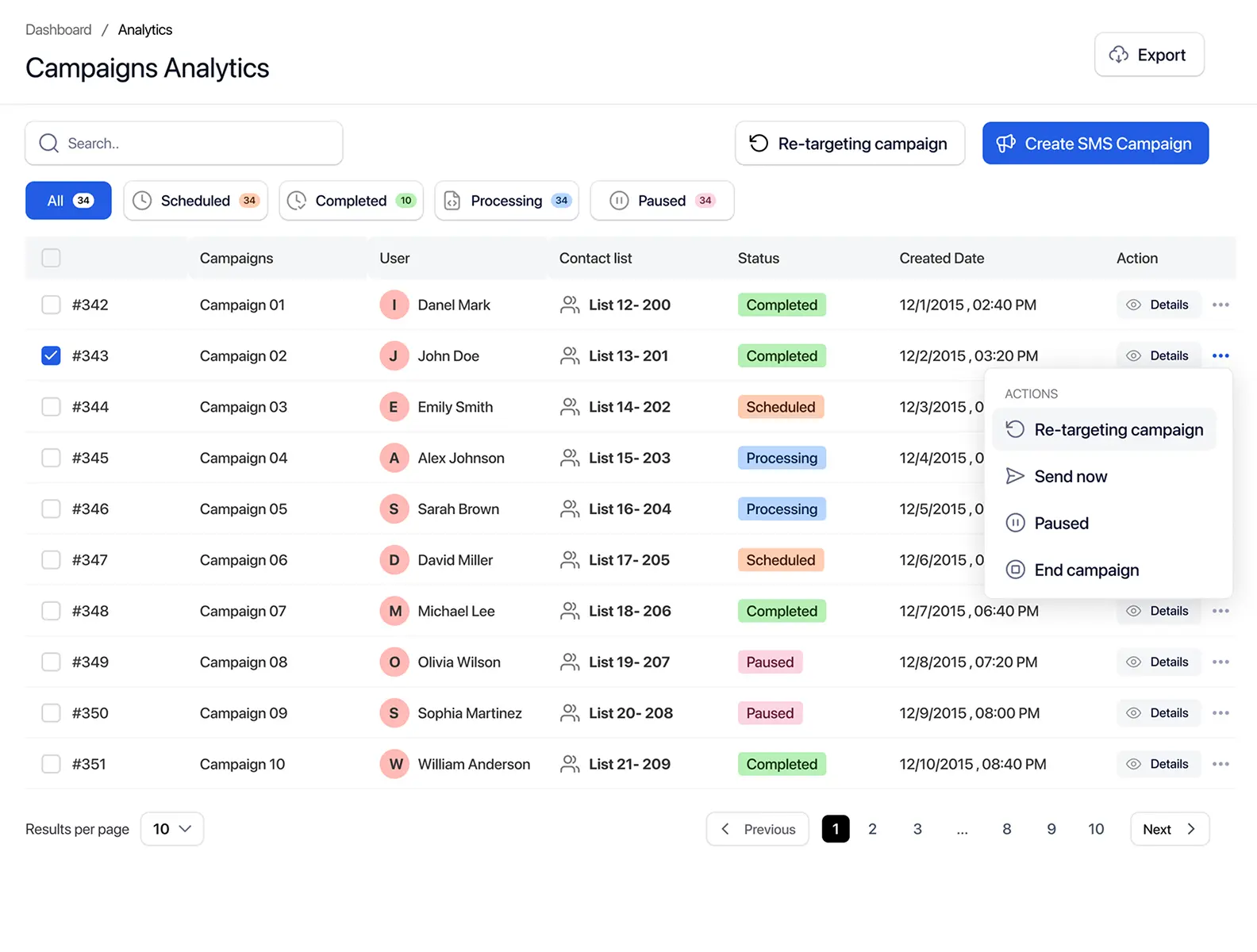
Retargeting works best when the next message stays connected to the original request and approved use case.
Follow up with opted-in leads who requested funding information, move replies into direct conversations, and exclude opted-out contacts. Example: Hi [First Name], following up on your request for business funding information. Reply here if you would like to discuss the next steps. Reply STOP to opt out.

Follow up on property alerts, schedule viewings, or offer similar listings. Example: Hi [First Name], following up on the property we shared in [Area]. Reply if you would like to schedule a viewing. Reply STOP to opt out.

Send document reminders and appointment follow-up through approved channels. Example: Hi [First Name], following up about the missing [Document Name] for your mortgage application. Please use the approved submission process or reply if you need help. Reply STOP to opt out.

Follow up on product updates, support questions, or relevant reminders. Cart, purchase, or product-view retargeting is not claimed unless a verified integration supports those events.
A mortgage document-reminder example showing how different campaign outcomes need different next steps.
Open campaign analytics.
Move replied contacts into conversations.
Exclude the opted-out contact.
Review failed contacts separately.
Select eligible non-responders.
Prepare one concise reminder.
Schedule the follow-up.
Review new replies and stop messaging contacts who complete the requested action.
Most retargeting problems come from repeating the same message, ignoring status changes, or treating every outcome as the same audience.
The second message should clarify or add value instead of copying the first send.
Replies may include questions, objections, wrong numbers, or opt-outs.
The original message may not have reached the contact at all.
Eligibility may change after the original campaign through STOP or blacklist actions.

Recipients need reasonable time and a clear stop condition for additional messages.

Do not switch numbers to bypass a subscriber preference.

The follow-up must remain connected to the original context and approved use case.
Retargeting should create a more relevant next step, not an endless sequence of repeated messages.
Retargeting should create a more relevant next step, not an endless sequence of repeated messages.
Retargeting helps create a more relevant next step. It does not replace consent, suppression, or judgment about message frequency.
TextTorrent provides messaging, reporting, and audience-management tools, not legal advice. Customers remain responsible for obtaining appropriate consent, respecting opt-out requests, choosing appropriate follow-up frequency, and complying with applicable laws, carrier requirements, and industry rules.
SMS retargeting is more useful when reporting, audience selection, suppression checks, and conversations stay in one workflow.
Build follow-up workflows from verified reply activity where supported.

Move from campaign reporting into a new campaign workflow without exporting a separate list by default.
Account for current opt-outs and blacklists before the next promotional send.
Move customer replies into the Claims and inbox workflow for human follow-up.
Prepare and schedule relevant follow-up messages using connected TextTorrent tools.
Start with the trial, then choose a plan based on credits and team needs. Retargeting uses the same messaging platform and credit model as other campaigns.
Everything in our starter plan includes
Everything in starter plus
Everything in growth plus
Full access to all platform features
Practical answers for teams evaluating TextTorrent for campaign follow-up and audience retargeting.
SMS retargeting software helps businesses create follow-up audiences from previous SMS campaign activity—such as contacts who replied or did not reply—so the next message is more relevant than repeating the full original list.
Yes. Where supported, TextTorrent can help teams create follow-up audiences from contacts who replied. In many cases, the better next step is reviewing the reply and continuing a direct conversation rather than sending another generic campaign.
Yes. Eligible non-responders may receive an appropriate reminder after delivery results and current subscriber status are reviewed. Non-response alone is not a reason for unlimited follow-up.
No. Non-response does not confirm interest, disinterest, delivery, or readership.
Failed and undelivered contacts should be reviewed separately from non-responders. A contact who never received the original message is not the same as a contact who received it and did not reply. Confirm exact audience filtering in your TextTorrent account.
Opted-out and blacklisted contacts should not be included in promotional follow-up. Review current subscriber status before sending again, and confirm suppression behavior for your account, sub-accounts, and any connected systems.
Yes. TextTorrent supports SMS scheduling as a connected workflow, so follow-up campaigns can be sent immediately or scheduled where that feature is available.
TextTorrent supports reusable messaging workflows and campaign preparation tools. Templates still need review for audience relevance, previous campaign context, accuracy, and opt-out language. Confirm the current template options in your account.
Incoming replies can move into TextTorrent’s Claims and inbox workflow so a team member can review the conversation context and respond directly. After a reply, another bulk campaign may no longer be the right next step.
No. Retargeting helps businesses create more relevant follow-up audiences, but it does not guarantee delivery, replies, conversions, or revenue.