
Real Estate
Hi [First Name], this is [Company Name]. A new property is available in [Area]. View details here: [Link]. Reply STOP to opt out.
TextTorrent helps businesses prepare and submit brand and campaign registration information for US local-number messaging. Get guidance on EIN documentation, messaging use cases, sample messages, and connecting approved campaigns to local numbers.
Approval remains subject to external review.
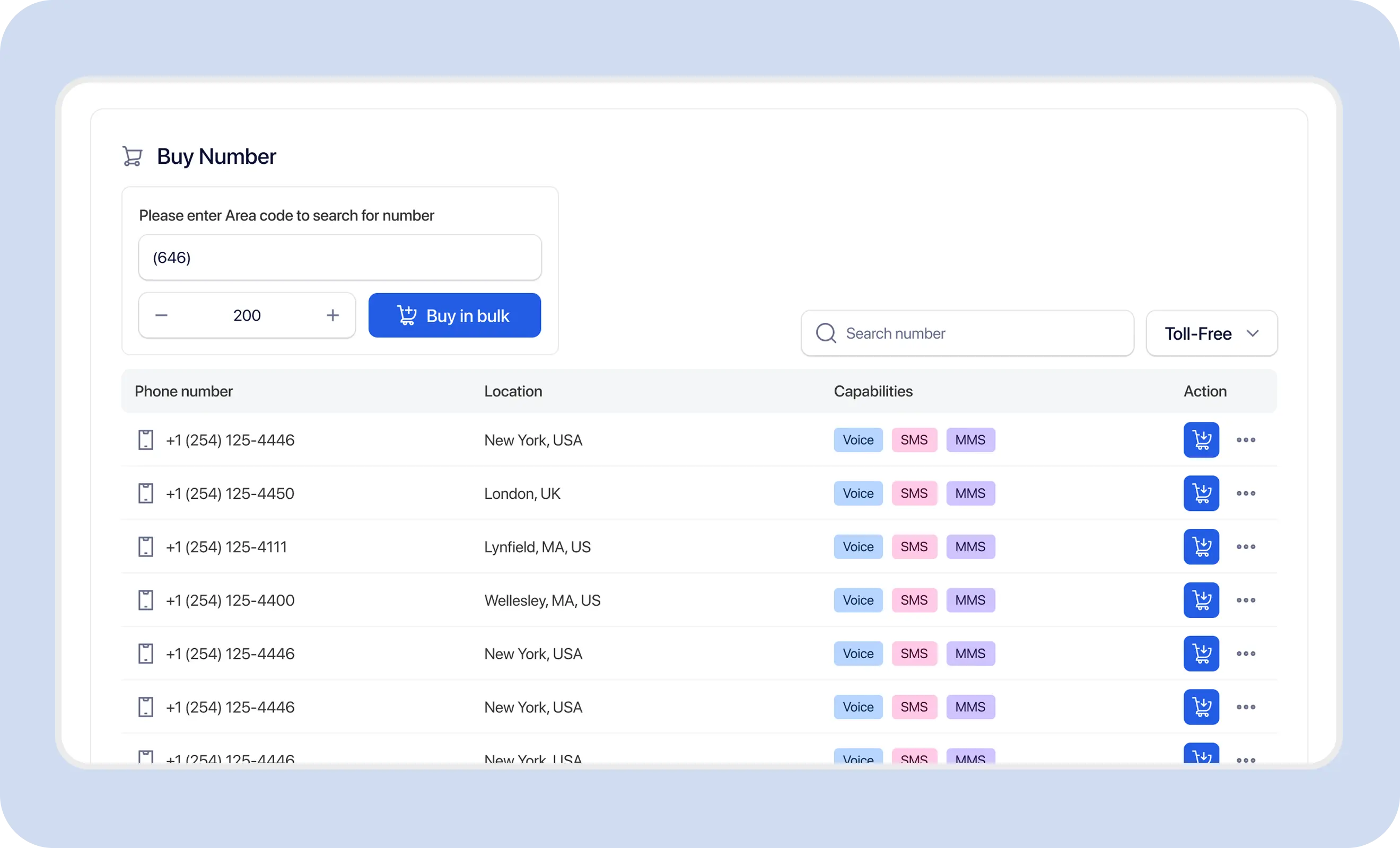
A2P means application-to-person messaging. 10DLC means a standard US 10-digit long-code number. A2P 10DLC is the registration framework used for business messaging over US local numbers.
Business → Brand Registration → Campaign Registration → Number Assignment → Messaging
Registration is generally required for application-to-person traffic over US local 10-digit numbers. Requirements may vary by provider, number type, use case, and carrier.

Carriers review brand registration and EIN verification so messaging is tied to a real business identity.

Campaign registration declares why the business sends messages and what recipients should expect.

Sample messages, opt-in explanations, and opt-out handling help reviewers understand the real messaging workflow.

Approved numbers are associated with the registered campaign so traffic stays connected to the declared use case.
A2P 10DLC is not a government license. Toll-free and short-code messaging follow different registration frameworks.
TextTorrent helps teams gather business information, EIN documentation, brand details, campaign use cases, sample messages, opt-in explanations, and next-step number assignment—then submit for external review.
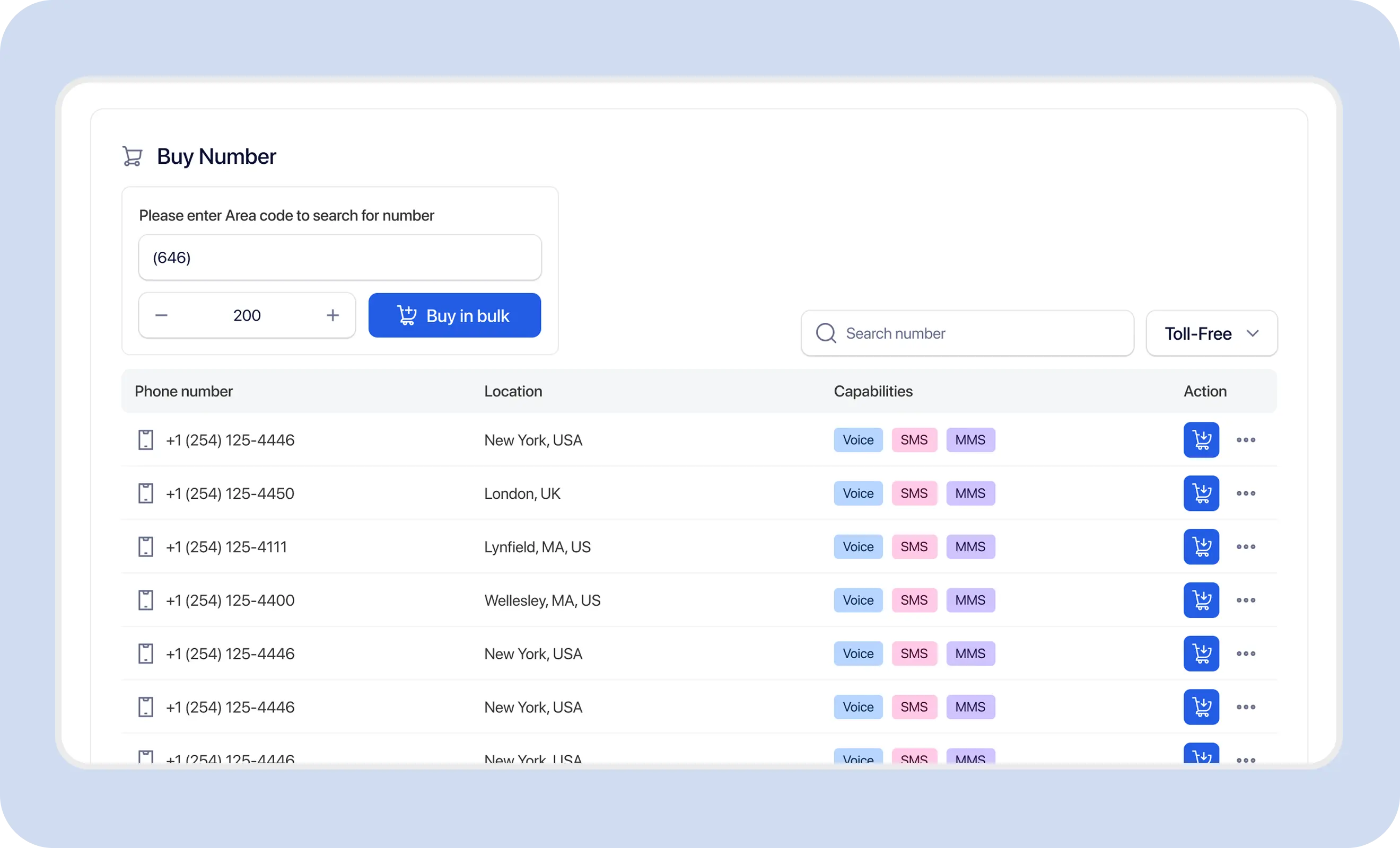
Use a clear preparation sequence so business details, documentation, use-case description, and samples are accurate before external review.
Provide accurate legal business name, address, entity details, EIN, website, and contact information that match official records.
Provide an accepted IRS-issued EIN confirmation document when verification is required. The document should clearly show the legal business name, EIN, and address.
Submit the business identity through the brand registration process so carriers can verify who is sending messages.
Accurately describe why the business sends messages, who receives them, and what content is included. Vague descriptions delay approval.
Share examples that match production messaging and explain how recipients consent, stop messages, and request help.
Submit the registration for external registry, provider, and carrier review. TextTorrent does not control or guarantee approval outcomes.
After approval, connect supported local numbers to the approved campaign and confirm readiness before production messaging.
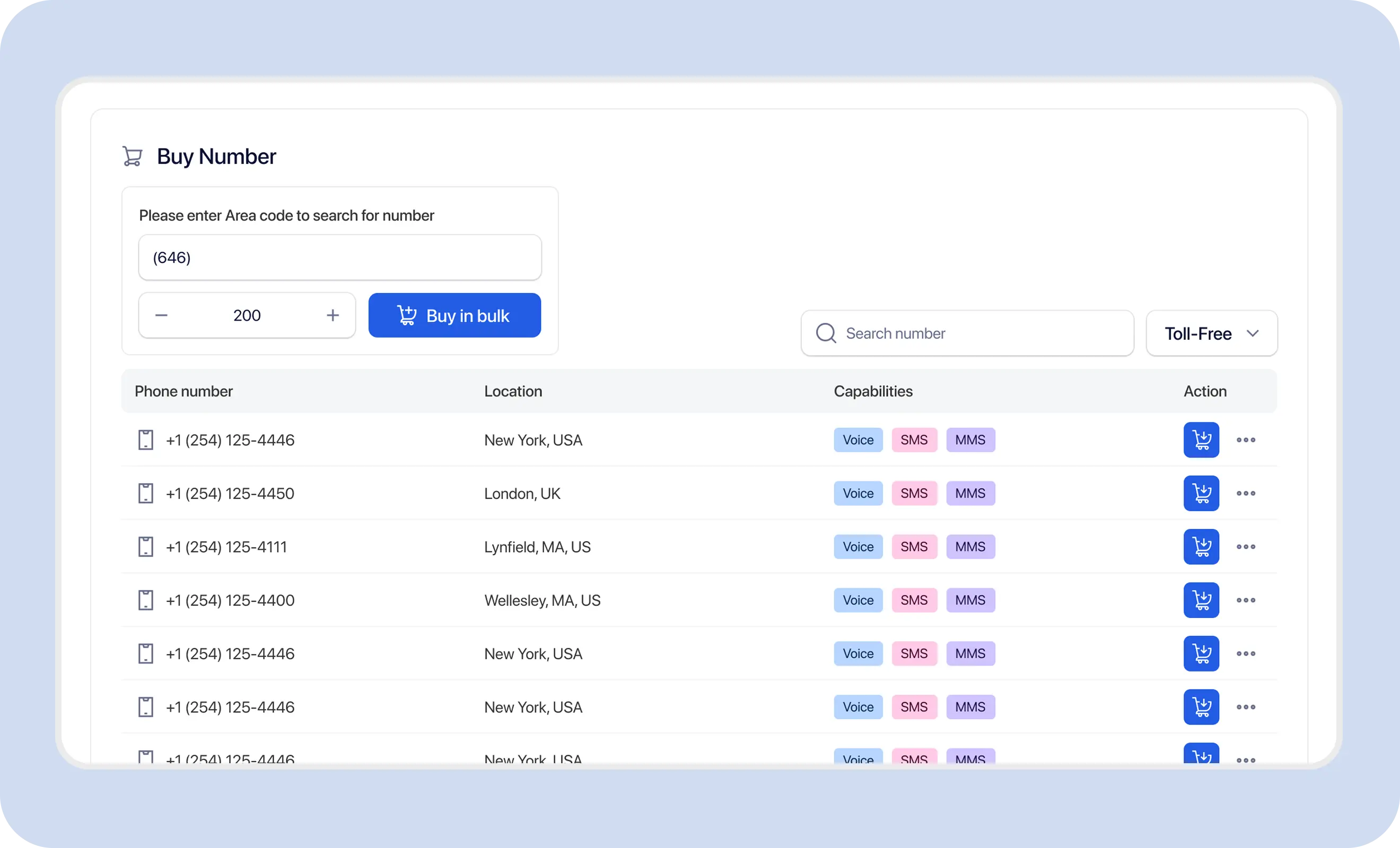
Registration details should match official business records. Exact matching reduces avoidable delays.
A website or email does not guarantee approval. Accuracy and consistency across the registration package matter more.
An accepted IRS-issued EIN confirmation document may be required for verification. Confirm the exact accepted document types in your registration workflow or with TextTorrent support.
Do not upload customer documents containing real sensitive data into demo screenshots. Keep production uploads private to the account owner.
Mismatches may delay review, require additional documentation, or result in rejection. Correct issues before resubmission.

The registration uses a shortened brand name instead of the official LLC or corporation name shown on official records.

The submitted address differs from the official business record or IRS document.

The EIN belongs to another entity or is entered incorrectly.

The registration identifies the wrong legal entity structure.

The website is incomplete, inaccessible, or does not clearly connect to the registered business.
The campaign use case should accurately describe the business workflow. Generic language such as “marketing messages” is commonly rejected.
Example use-case description
The business sends follow-up messages, application-status updates, document reminders, and appointment notifications to customers who submitted a form and expressly agreed to receive text messages.
This example is educational. Adapt it to the business’s actual messaging workflow.
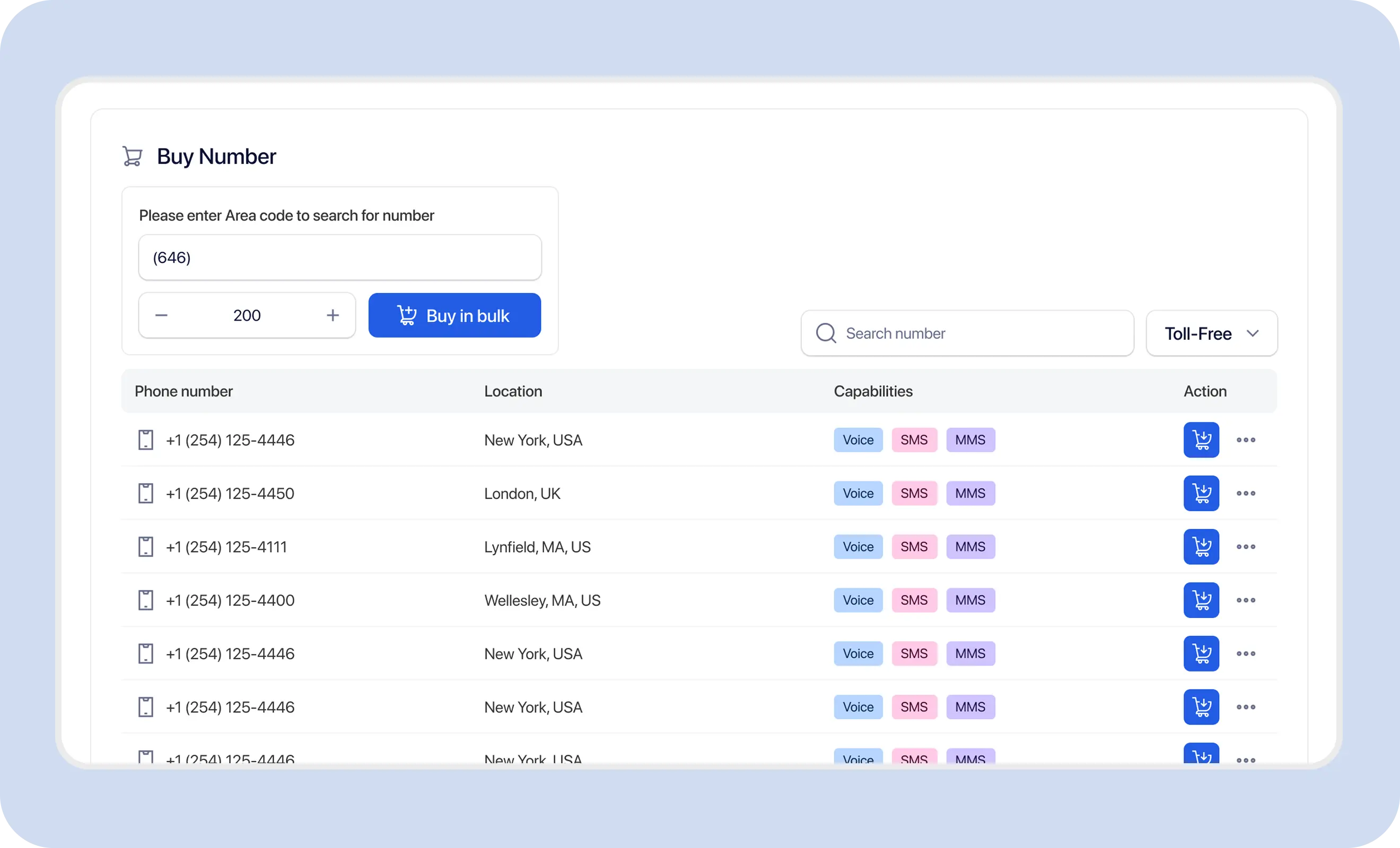
Sample messages should identify the brand, match the use case, and include opt-out language where applicable.
The registration should describe the real opt-in process. Importing or possessing a phone number does not establish consent to send business text messages.
Importing or possessing a phone number does not establish consent to send business text messages.
The following wording is a clearly labeled educational example, not legal advice.
Example consent language
By submitting this form, you agree to receive text messages from [Company Name] regarding [specific purpose]. Message frequency may vary. Message and data rates may apply. Reply STOP to opt out or HELP for help. Consent is not a condition of purchase. View our Terms and Privacy Policy.
This example is not universally sufficient for every business or use case.
Registration materials should explain how STOP and HELP requests are handled in the messaging program.

The contact requests to stop receiving messages. Opt-outs should be applied promptly, and suppressed contacts should not continue receiving campaign messages.

The contact requests information about the messaging program. Help responses should identify the business and provide support information.
These issues commonly delay or prevent approval. This list does not cover every possible rejection reason.
Legal name, EIN, address, or entity details do not match official records.

The required verification document is unavailable, cropped, or unclear.
The website is incomplete, inaccessible, or does not clearly identify the registered company.

The description does not explain who receives messages, why messages are sent, or what content is included.

The examples contain content unrelated to the declared campaign or look spammy.
The registration does not explain how recipients provide consent.
The website does not include an appropriate privacy policy or messaging disclosure.
The use case or message examples may violate provider, carrier, or industry requirements.
The website, form, sample messages, and legal registration use different business names without explanation.
Review the rejection reason, correct the mismatched details, and resubmit through the approved workflow. TextTorrent cannot override an external rejection.
Registration moves through preparation, external review, and an approved or rejected outcome. Exact dashboard labels may vary—confirm the status names shown in your account.
Business information, documentation, use-case details, samples, and consent descriptions are being completed.
The registration package has been submitted for external registry, provider, and carrier review.
The brand and/or campaign has been approved and can proceed to supported number assignment and messaging within the registered use case.
The registration requires changes. Review the reason, correct the package, and resubmit.
Properly structured 10DLC submissions can be approved within days, while incomplete registrations may delay approval. Same-day approval and guaranteed timelines are not claimed.
Approval allows the business to use the registered messaging path. It does not permit unrelated message content or guarantee delivery.
After approval, associate supported local numbers with the approved campaign before production sending.
Example scenario: a real estate company sends property alerts and appointment reminders to opted-in buyers.
Collect the legal business name, EIN, registered address, website, and contact information.
Prepare an accepted IRS EIN confirmation document.
Describe the use case: property alerts, open-house reminders, appointment confirmations, and buyer follow-up.
Document the website-form opt-in with clear SMS consent disclosure.
Provide matching sample messages with business identification and STOP language.
Submit for external review.
After approval, assign local numbers to the campaign and begin messaging opted-in contacts.
Each business should select and describe the use case that matches actual production messages.

Lead follow-up, application updates, document reminders, and funding-process communication—without guaranteed-funding language.
Property alerts, open-house reminders, and buyer or seller follow-up.
Application updates, document reminders, and appointment notifications.
Renewal reminders, payment notifications, and claim-status updates.

Appointment reminders, scheduling communication, and operational notifications. HIPAA compliance is not claimed.

Order updates, promotional campaigns, delivery notifications, and customer support.
A business may need review or updates when identity, website, consent, or messaging purpose changes materially. Not every minor copy edit requires a new campaign—contact TextTorrent support when uncertain.
Approved registration supports the messaging path. Responsible sending practices remain required every day.
TextTorrent provides messaging tools and registration assistance, not legal advice. Customers remain responsible for accurate registration information, appropriate consent, message content, privacy practices, and compliance with applicable laws, carrier requirements, and industry rules.
TextTorrent connects registration preparation with number management, campaigns, conversations, and reporting—without claiming approval authority.
Use a structured workflow for collecting brand and campaign information before external review.
Get help identifying missing or mismatched verification details before resubmission.

TextTorrent assists with A2P 10DLC registration without charging a TextTorrent registration-support fee. External charges may still apply.

Approved numbers can be managed within the same broader platform used for messaging.
Use approved numbers for supported bulk SMS, two-way messaging, MMS, scheduling, and analytics workflows.
TextTorrent currently positions registration support without a TextTorrent registration-support fee and without a monthly TextTorrent 10DLC service fee. External registry, provider, carrier, number, or messaging charges may still apply.
This page does not claim that registration is completely free everywhere or that there are no third-party fees.
Continue exploring
View pricing and credit rulesStart with a seven-day free trial, then choose a plan that matches your messaging volume. Confirm registration-related and number costs on the pricing page.
Everything in our starter plan includes
Everything in starter plus
Everything in growth plus
Full access to all platform features
Practical answers for businesses preparing brand and campaign registration with TextTorrent support.
A2P 10DLC registration is the business and campaign registration process for application-to-person messaging over US local 10-digit numbers. Businesses typically register the organization and the messaging campaign so carriers understand who is sending and what recipients should expect.
Businesses sending application-to-person traffic over US local numbers generally need appropriate registration. Requirements may vary by provider, number type, use case, and carrier. Toll-free and short-code messaging follow different frameworks.
TextTorrent currently offers registration support without a TextTorrent registration-support fee. External registry, provider, carrier, number, or messaging charges may still apply, and pricing can change.
An accepted IRS-issued EIN confirmation document may be required. Confirm the exact accepted document types in your registration workflow or with TextTorrent support before uploading. The document should clearly show the legal business name, EIN, and address.
Registration information is compared with official records. Legal-name, EIN, address, or entity mismatches may delay review or prevent approval and should be corrected before resubmission.
Campaign registration typically requires an accurate use case, sample messages, opt-in method, opt-out process, help process, and matching business information. Vague use cases and unclear opt-in explanations commonly delay approval.
Properly structured 10DLC submissions can be approved within days, while incomplete registrations may delay approval. Review times vary, and approval is not guaranteed by a specific date. Same-day or expedited approval is not claimed.
Review the rejection reason, compare submitted information with official records, correct documents or website details where needed, revise the use case and sample messages, then resubmit. TextTorrent cannot override an external rejection.
No. Approval is determined through external registration, provider, and carrier review. TextTorrent provides registration assistance and messaging tools, not approval authority or legal advice.
Production sending over US local numbers generally requires the appropriate registration path. Do not assume unregistered production traffic is permitted. Confirm current account and provider rules before sending.
Number capacity depends on account setup, registration context, campaign association, and available inventory. Exact numeric ceilings are not published on this page until current product policy is confirmed. Review your account or contact support before provisioning a large inventory.
No. Approval allows the business to use the registered messaging path, but delivery can still be affected by contact quality, content, number configuration, provider responses, carrier filtering, and other factors.