


SMS
SMS-capable numbers can send and receive standard text messages through supported TextTorrent messaging workflows.
TextTorrent helps businesses find, assign, and manage supported local numbers for SMS campaigns, two-way conversations, and MMS. Keep number capability, registration context, and messaging workflows connected in one number-management workspace.
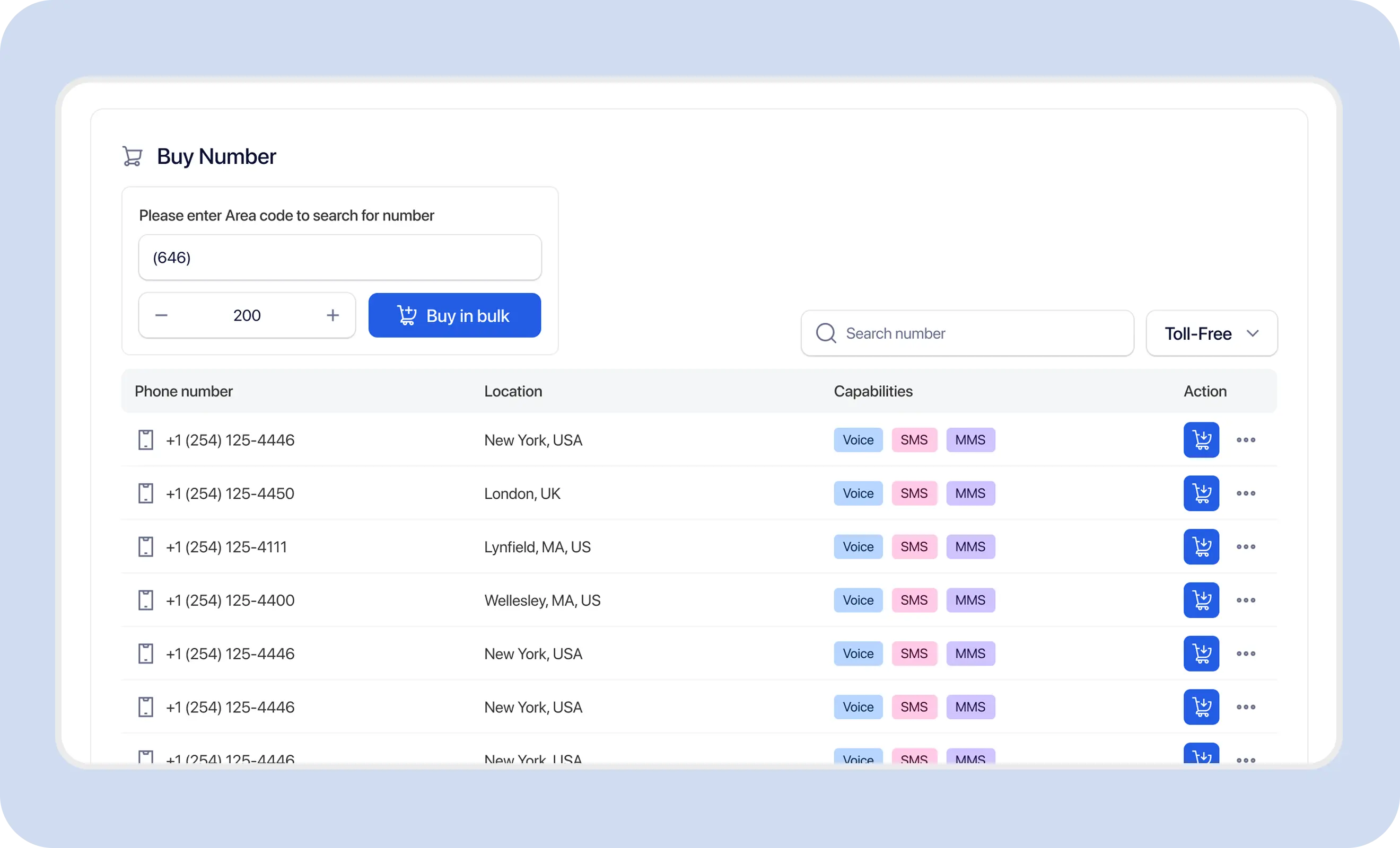
Dedicated, managed messaging numbers help teams keep customer communication organized, registered, and shareable—without relying on personal mobile devices or disconnected phone lines.

A dedicated business number keeps customer messaging separate from personal communication and makes handoff between teammates easier.

Multiple users may need to manage messages through a controlled account workflow instead of one shared personal phone.

US application-to-person messaging over local numbers generally requires appropriate A2P 10DLC registration before scale sending.

Not every number supports the same combination of SMS, MMS, voice, or call-handling features. Capability should be confirmed before use.
TextTorrent connects number search, purchase, capability review, campaign use, conversation workflows, A2P 10DLC registration context, and number status so teams can manage local business texting numbers without jumping across disconnected tools.
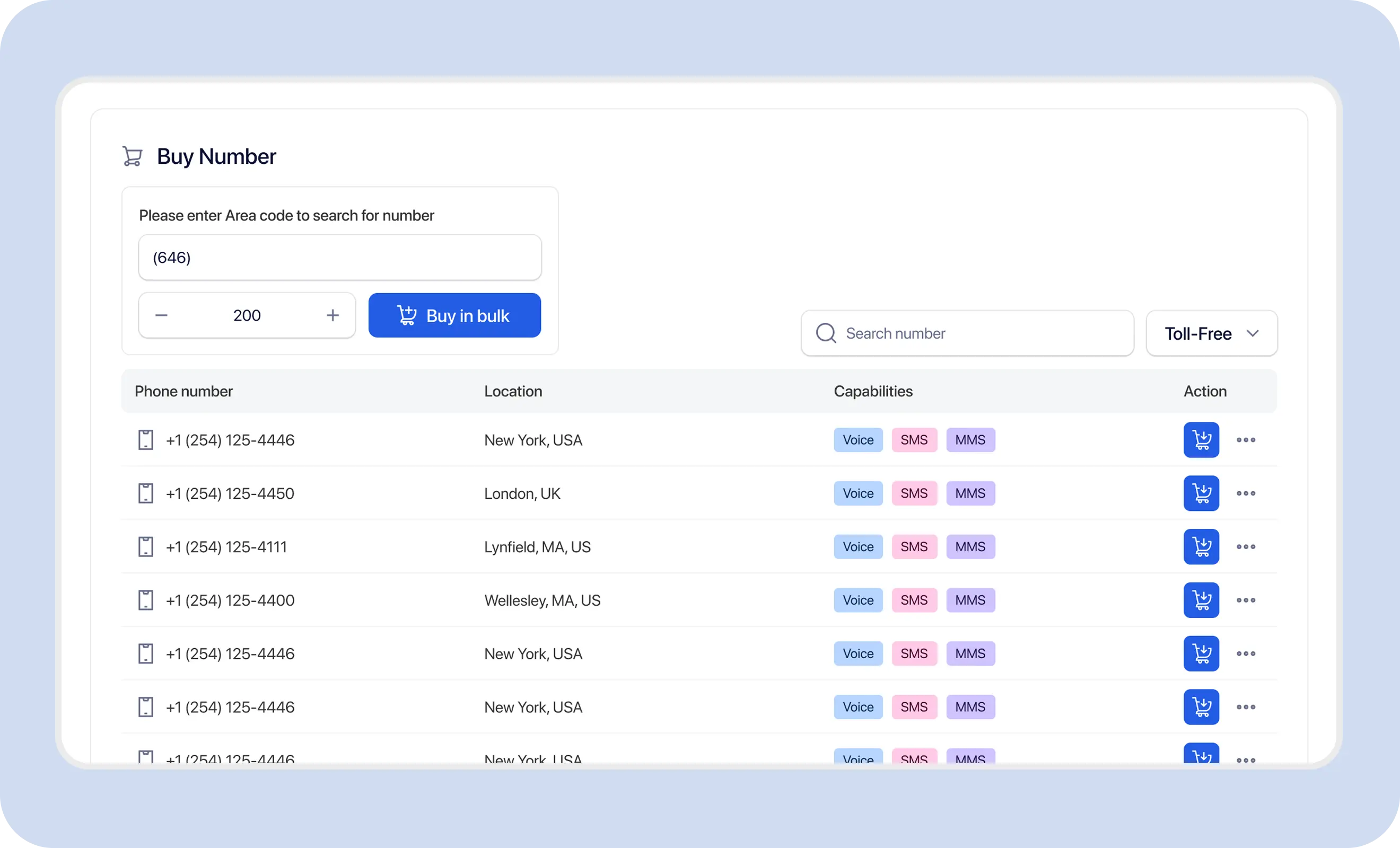
Use a clear provisioning sequence so capability, registration, and readiness are checked before the number is used in production messaging.
Start in the TextTorrent number-management area where available inventory and owned numbers are managed.
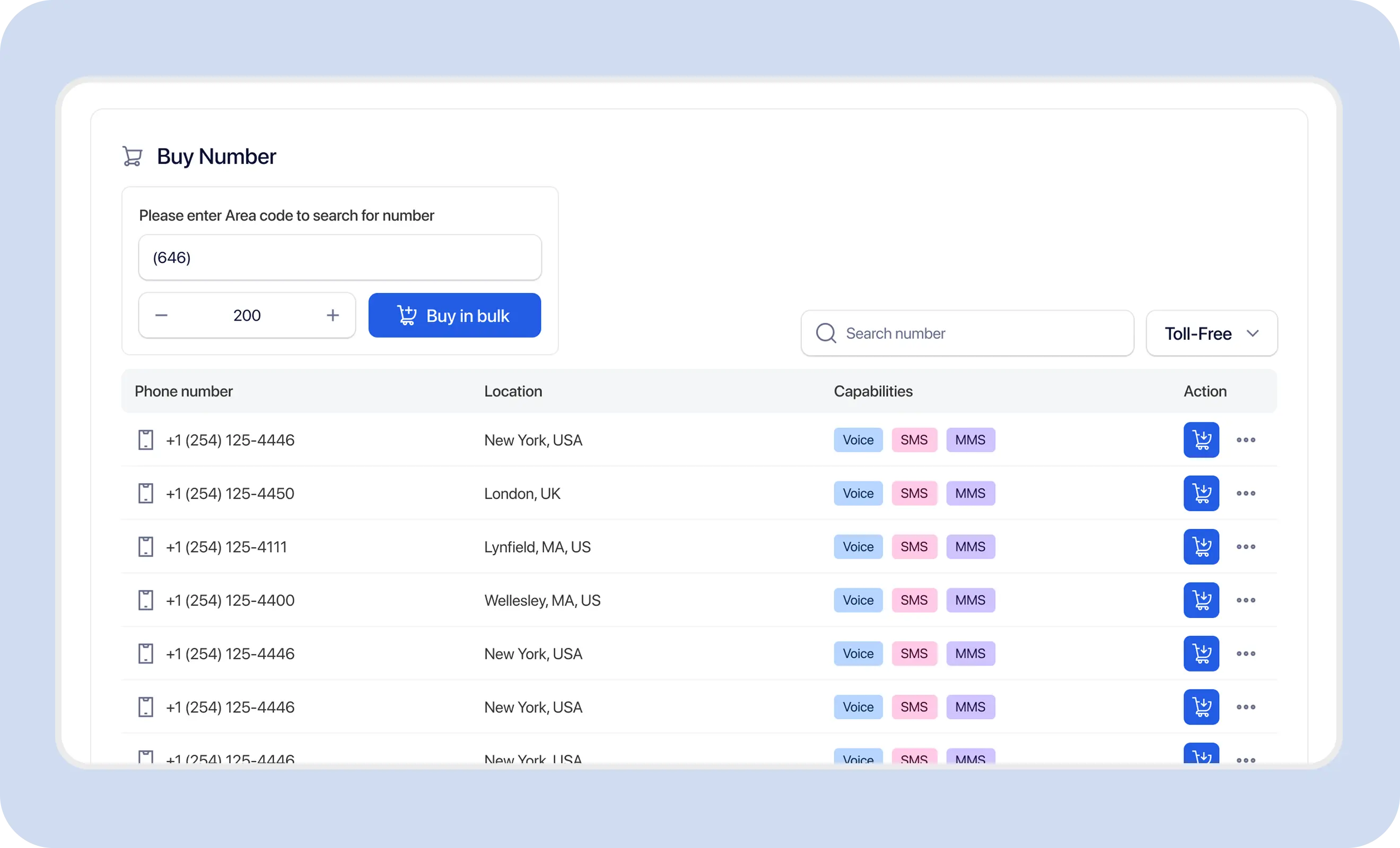
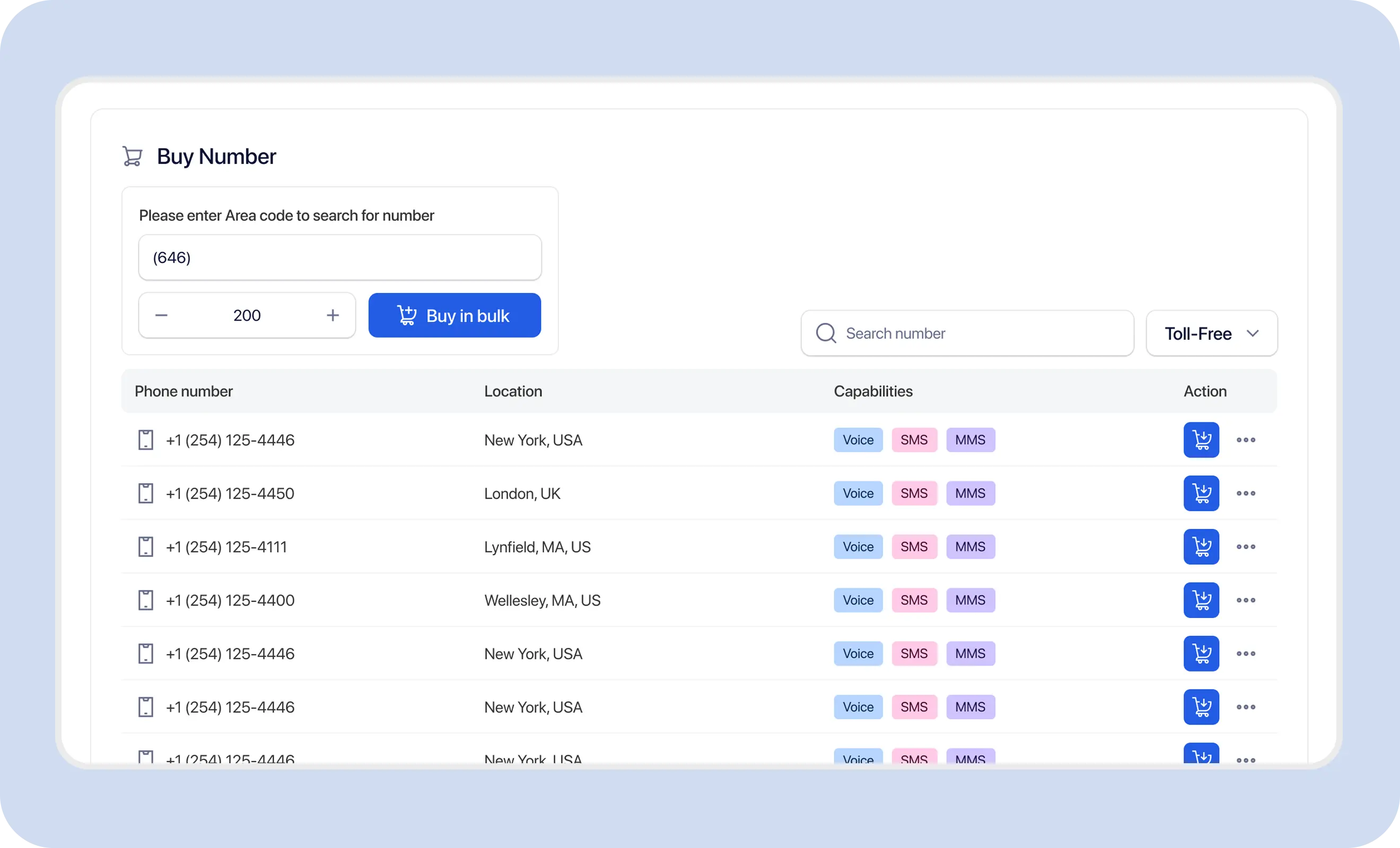
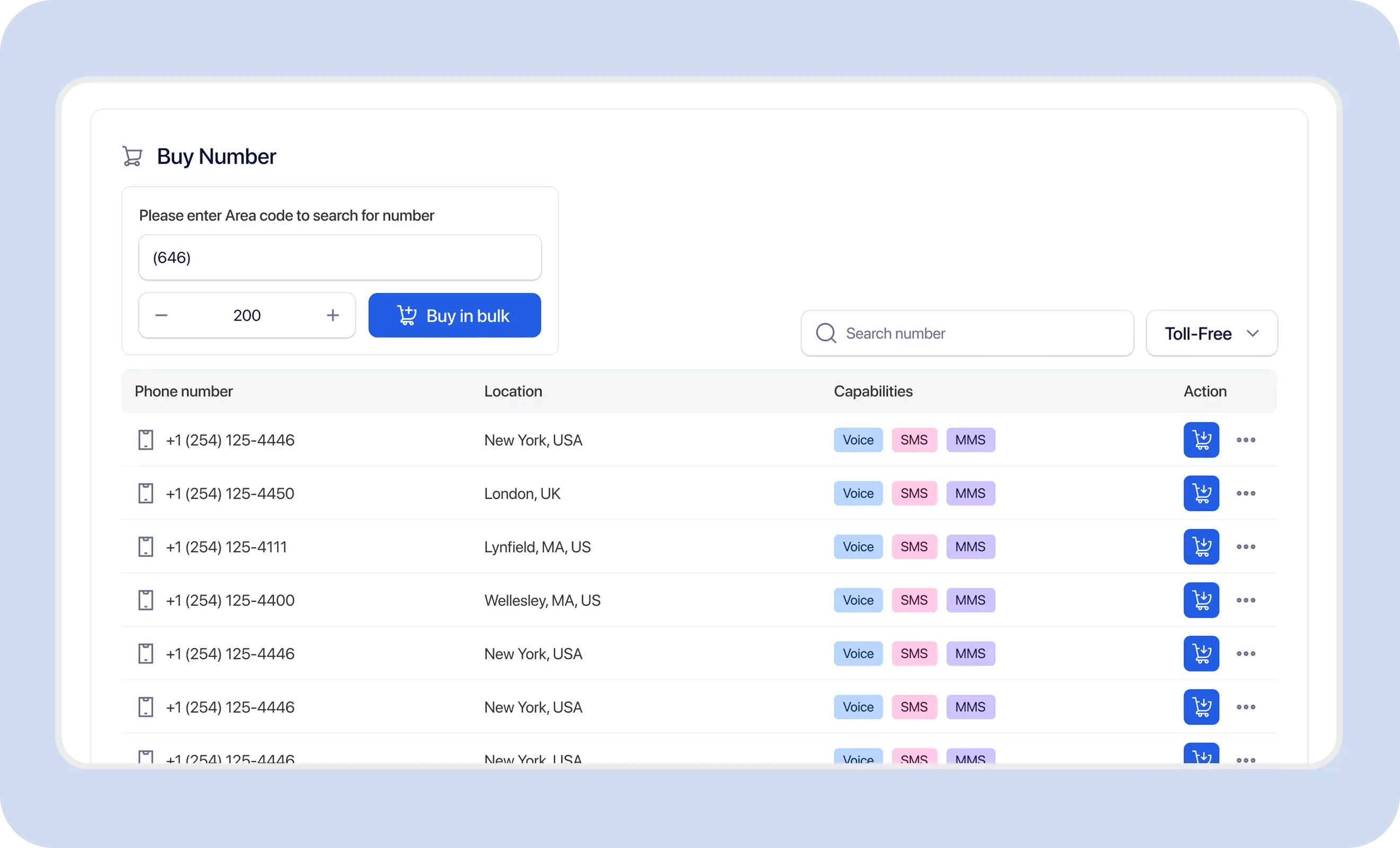
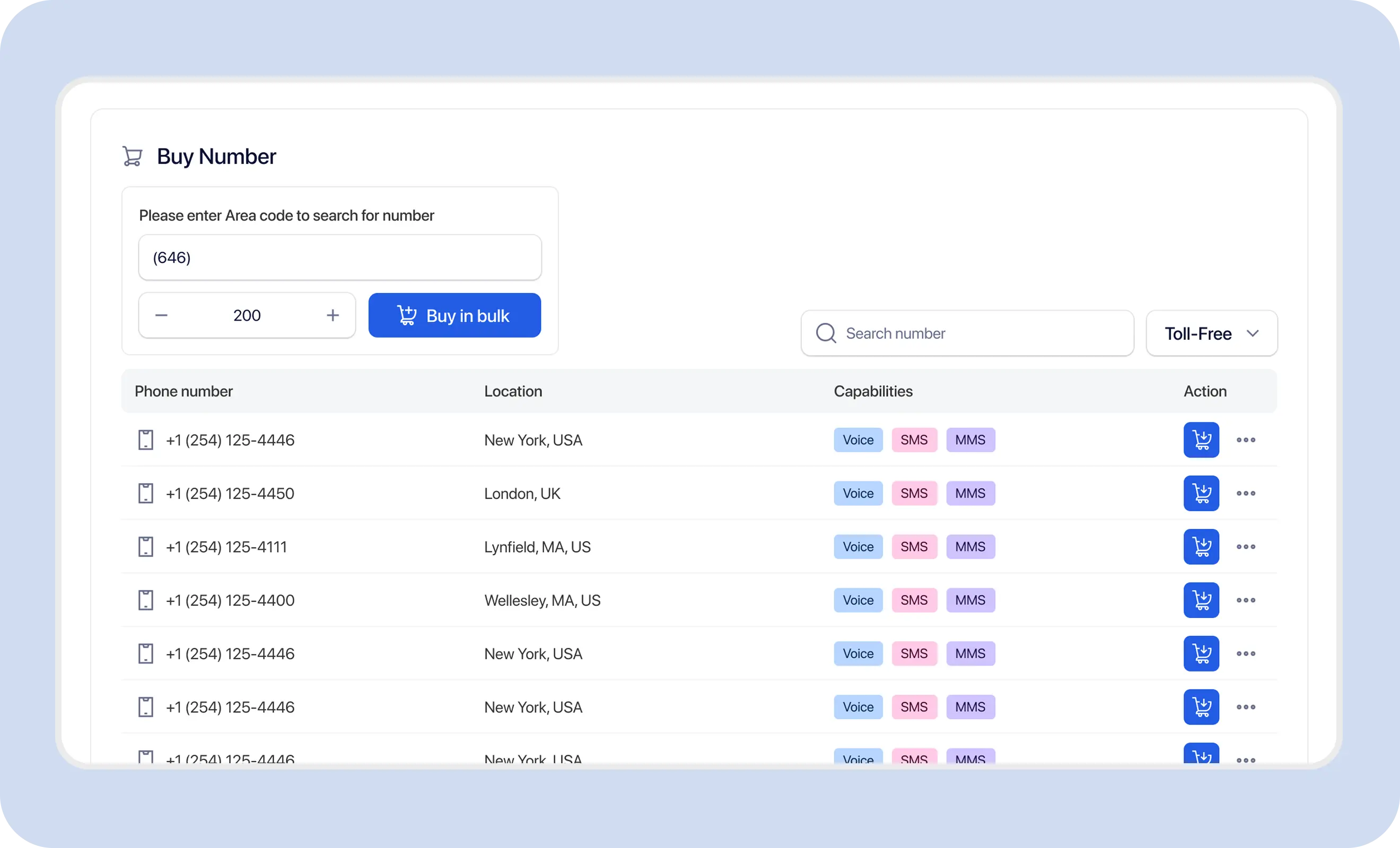
Search supported inventory using available location options such as area code or region fields where the product exposes them. Not every search type is guaranteed.
Check whether the number supports SMS, MMS, voice, or other relevant functions before purchase or assignment.
Complete the verified purchase or provisioning action. Number purchase consumes credits according to current TextTorrent pricing rules, and trial accounts may be restricted from purchasing numbers.
Associate the number with the appropriate approved A2P 10DLC campaign and the correct account or sub-account context before production sending.
Confirm the number status and capability before using it for campaigns, conversations, or call-handling workflows.
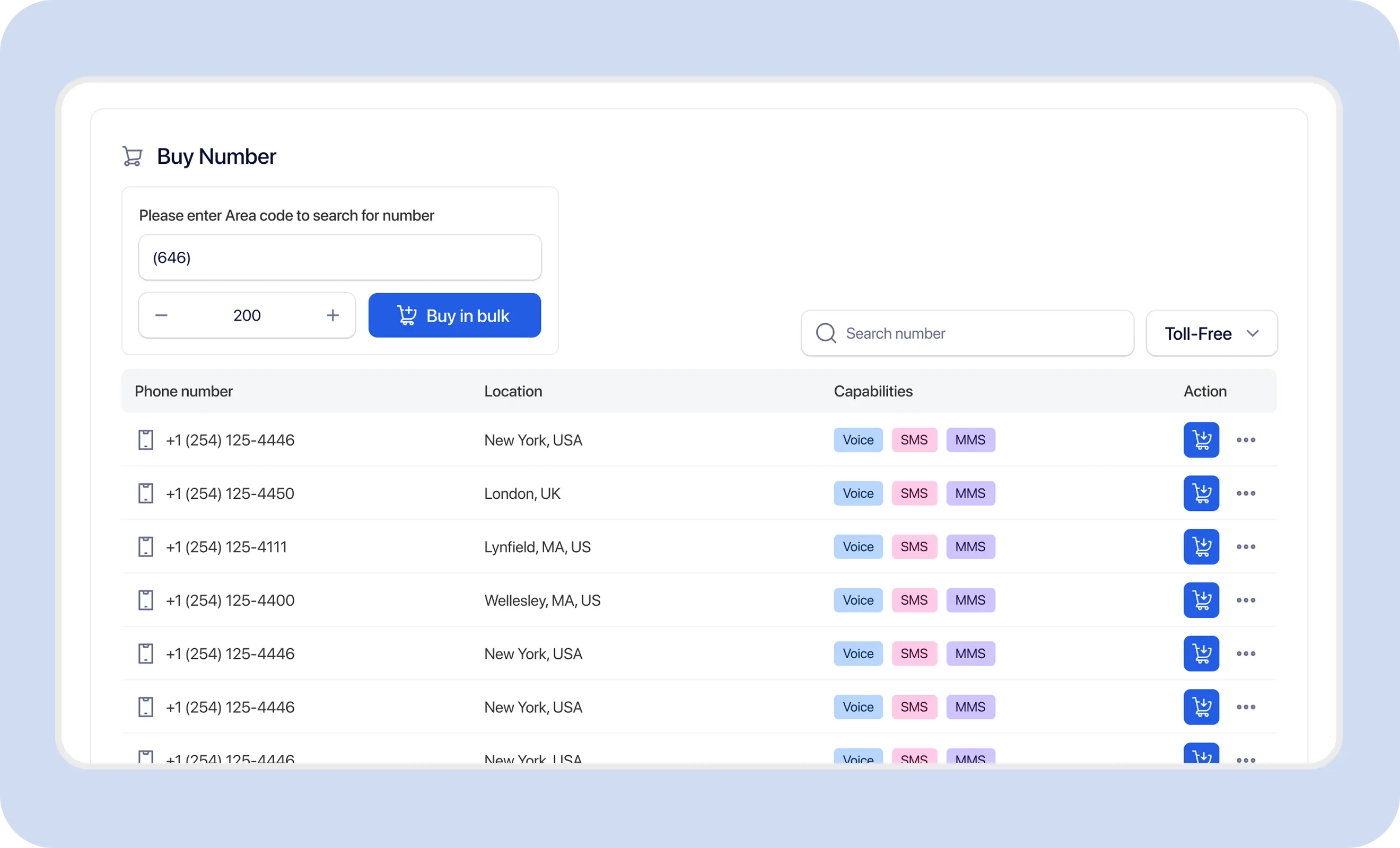
Capability varies by number, provider, and inventory. Review the listed capabilities for each number before relying on SMS, MMS, voice, or call-handling features.
SMS-capable numbers can send and receive standard text messages through supported TextTorrent messaging workflows.
MMS-capable numbers may support picture messaging. An SMS-capable number is not automatically MMS-capable.
Voice-capable numbers can receive calls where supported. Outbound calling is not claimed on this page.
Supported incoming calls may be forwarded to another destination where call-forwarding configuration is available.
Voicemail may be available for supported numbers so missed calls can be reviewed in the control panel where that feature is enabled.
SMS-capable numbers can support customer replies and conversation workflows through TextTorrent’s two-way messaging tools.
Search supported number inventory for local markets that match your messaging use case. Availability changes over time, and a specific area code may not always have inventory.
TextTorrent does not guarantee every area code, city, or capability combination. Review live inventory and capability before purchase.
A2P 10DLC applies to application-to-person messaging over US local 10-digit numbers. Businesses generally need an approved brand and messaging campaign before scaling local-number sends.
TextTorrent assists with registration support. Approval is not guaranteed, and same-day registration is not claimed.
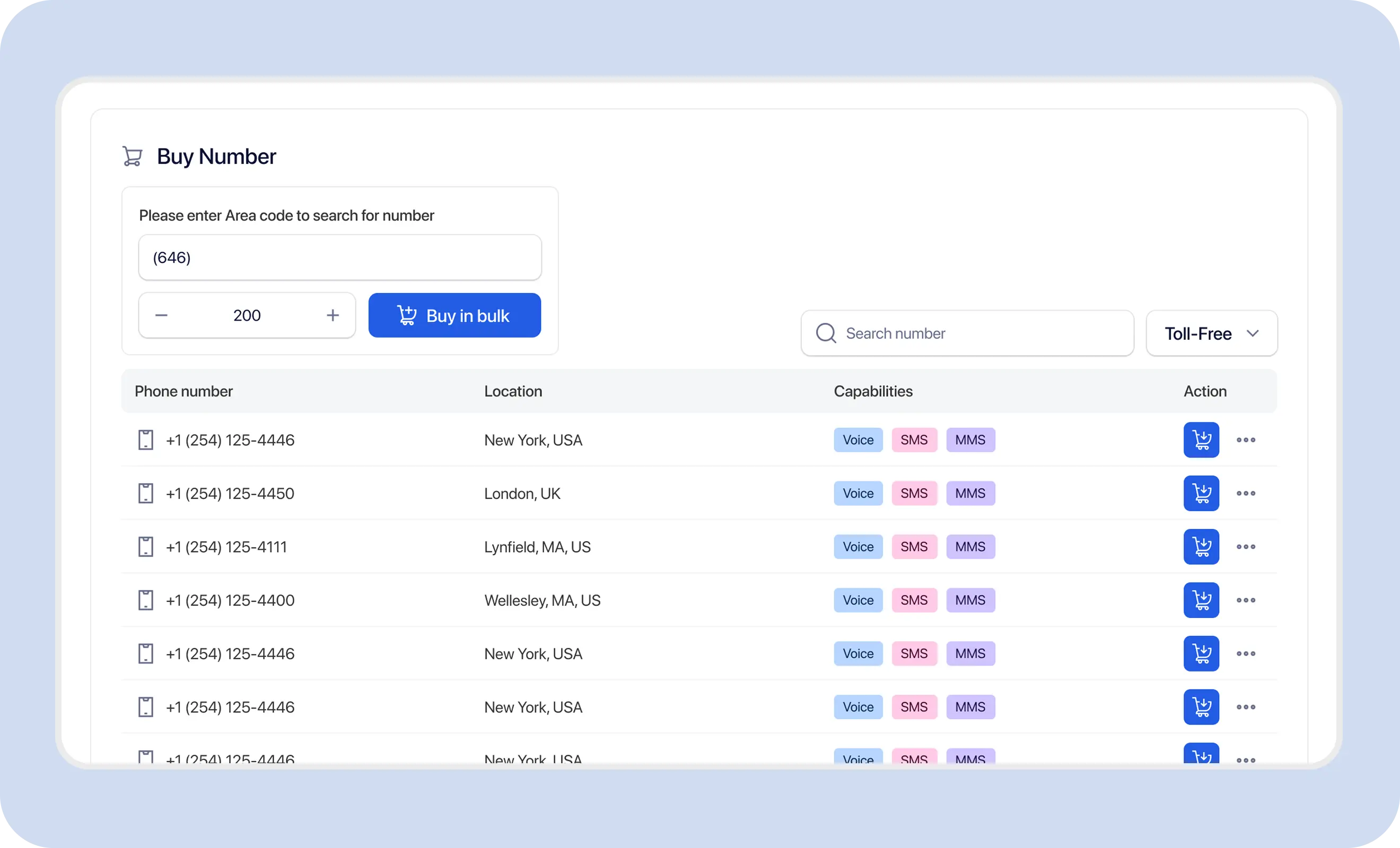
After purchase, confirm the number is associated with the correct account context, approved A2P campaign, and messaging workflow before sending.
TextTorrent number records expose status information so teams can confirm whether a number is available for active use. Current API documentation describes active and inactive states.
The number is marked active and can be used for supported messaging workflows once capability and registration requirements are also met.
The number is not currently available for active messaging and should not be used for production sends until status and configuration are reviewed.
Readiness is not always instant. Confirm status, capability, and registration context before campaign use.
Number capacity can depend on registration, campaign association, account setup, and available inventory. Exact campaign or account ceilings should be confirmed in your account or with support before planning large number inventories.
Specific numeric ceilings such as campaign-level maximums are not published on this page until product confirms the current policy.
When a number needs to be replaced, pause relevant sending, remove the current association, provision the replacement, and confirm readiness before resuming traffic.
Release unused or inactive numbers carefully so campaigns, call settings, and team expectations stay aligned.
Released numbers are not guaranteed to be restorable.
Supported SMS-capable local numbers can handle outbound campaigns and incoming replies so conversation history stays connected to the same business number.
Confirm MMS capability before using a number for picture messaging. Support may depend on provider, carrier, number, file format, and media size.
Customers may call a texting number after receiving a message. Where voice capability is available, supported incoming calls may be forwarded or sent to voicemail.
Call recording, IVR, ring groups, outbound calling, and voicemail transcription are not claimed on this page.
Agencies and multi-location businesses can organize numbers by client, branch, department, or sub-account context where assignment is supported.
Example scenario: a real estate team wants a local number for property alerts and buyer conversations.
Search for an available local number in the desired market.
Review SMS and MMS capabilities.
Purchase or add the number.
Associate it with the approved A2P 10DLC campaign.
Assign it to the appropriate account or sub-account.
Confirm the number status is active and ready for the intended workflow.
Send an internal test.
Use the number for property alerts.
Manage buyer replies through the inbox.
Configure call forwarding where supported.
Number management tools help teams stay organized. Responsible registration, consent, and usage practices remain the customer’s responsibility.
TextTorrent provides number-management and messaging tools, not legal advice. Customers remain responsible for accurate registration, appropriate consent, responsible number usage, and compliance with applicable laws, carrier requirements, and industry rules.
TextTorrent keeps local-number management connected to campaigns, conversations, registration support, and account organization.

Search, add, review, and manage supported local numbers from one messaging platform.
TextTorrent assists customers with brand and campaign registration without charging a TextTorrent registration-support fee. External review still applies.

Supported numbers can be used across outbound campaigns and two-way conversations in the same broader platform.
Agencies and teams can organize numbers by account or workspace context where assignment is supported.

Supported numbers may include MMS, voice, call forwarding, or voicemail. Capability varies by number and should be confirmed before use.
Local-number setup can involve subscription credits, number purchase costs, messaging usage, and external registration-related charges. Confirm current pricing before provisioning inventory.
This page does not claim that every number is free or that there are no carrier or registry fees.
Continue exploring
View pricing and credit rulesStart with a seven-day free trial, then choose a plan that matches your messaging volume. Confirm number-purchase credit rules on the pricing page before provisioning numbers.
Everything in our starter plan includes
Everything in starter plus
Everything in growth plus
Full access to all platform features
Practical answers for teams evaluating TextTorrent local numbers for business texting.
A local number for business texting is a local 10-digit business number used for supported SMS, MMS, or conversation workflows. In TextTorrent, teams search available inventory, review capabilities, purchase supported numbers, and manage them alongside campaigns and replies.
You can search supported inventory for relevant local options, but availability is not guaranteed. A specific area code may be out of stock, and capability can still vary by number.
No. Capabilities vary by number, provider, and inventory. Review the number’s listed capabilities before purchase or assignment.
Yes. Supported SMS-capable numbers can receive replies through TextTorrent’s two-way messaging workflow, subject to account access, permissions, and number status.
US application-to-person messaging over local 10-digit numbers generally requires appropriate A2P 10DLC registration. TextTorrent provides registration support, but approval remains subject to external review and customers remain responsible for accurate business information.
Numbers can be organized by account or sub-account context where assignment is supported. Confirm the correct account, campaign association, capability, and number status before sending.
Only if the number is MMS-capable. An SMS-capable number is not automatically MMS-capable, and media support may vary by provider, carrier, format, and size.
Where a number is voice-capable and call forwarding is configured, supported incoming calls may be forwarded to another destination. Voicemail may also be available where supported. Outbound calling and advanced call-center features are not claimed here.
Number capacity depends on account setup, registration context, campaign association, and available inventory. Exact numeric ceilings are not published on this page until current product policy is confirmed. Review your account or contact support before provisioning a large inventory.
Yes. Teams can remove a number from the relevant workflow, provision a replacement, and confirm readiness before resuming sends. Numbers that are no longer needed can be released, but released numbers may not be recoverable.

