TextTorrent helps businesses identify SMS opt-outs, maintain blacklist records, review subscriber status, and keep suppressed contacts out of supported campaign audiences. Connect STOP handling, blocked-list visibility, and contact records inside one messaging workflow.
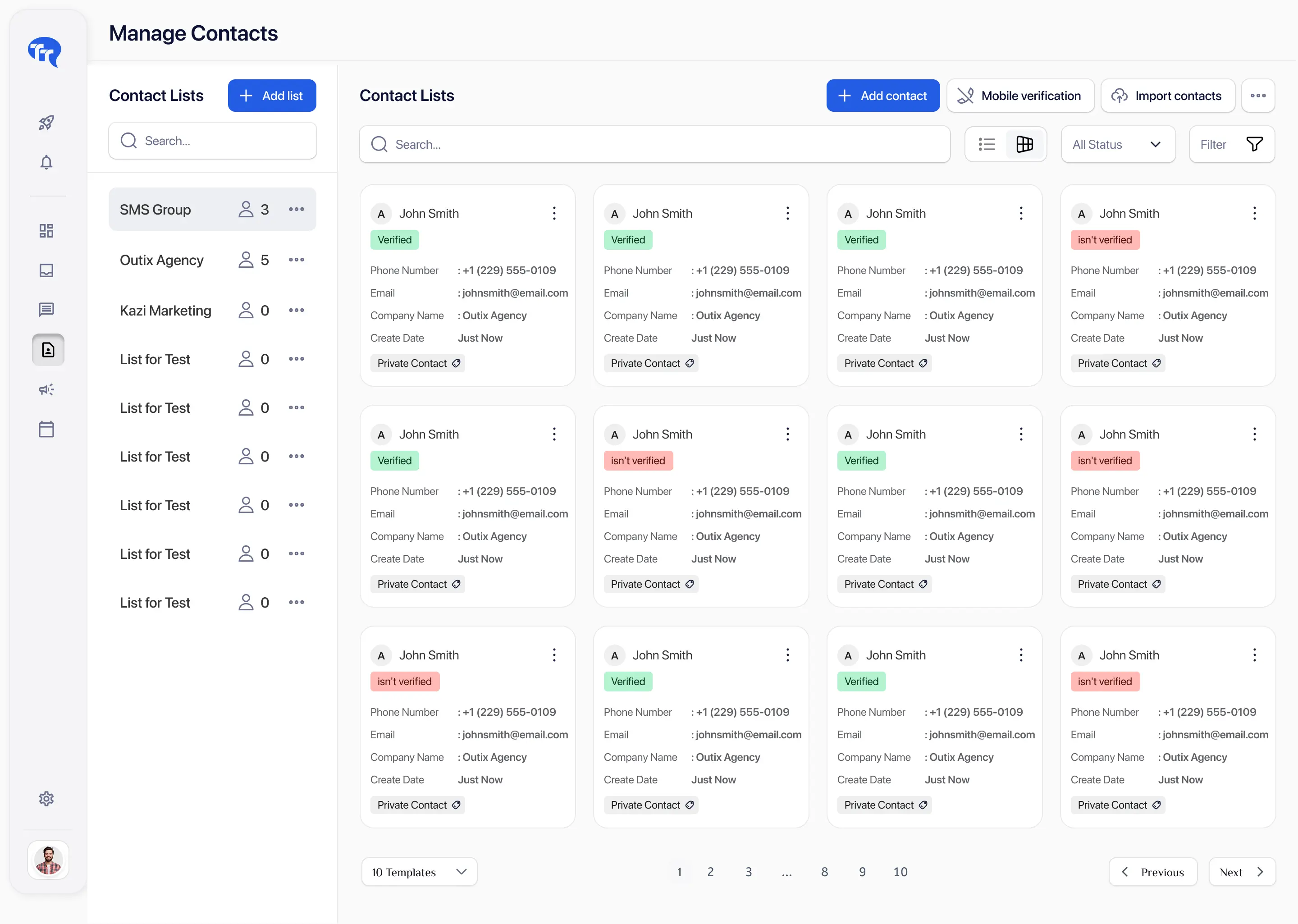
Opt-out management becomes difficult when contact records, campaigns, inbox replies, and imported lists are handled separately. Teams need one clear place to see who should not be messaged.

A customer may ask to stop messages through a reply, support interaction, or another approved channel. If that request is not recorded, campaigns can continue incorrectly.

Uploading a new file should not automatically override an existing suppression record. A fresh CSV is not new consent.

Users need consistent subscriber-status visibility before sending or replying so one team member does not undo another’s suppression decision.

An audience created earlier may contain contacts whose preferences have since changed. Suppression checks should use the latest available status.
TextTorrent connects incoming opt-out replies, configurable opt-out words, blocked-list records, contact status, campaign audience selection, contact imports, conversation history, search and filters, blocked-list export, and account access—so preference handling stays inside the messaging platform.
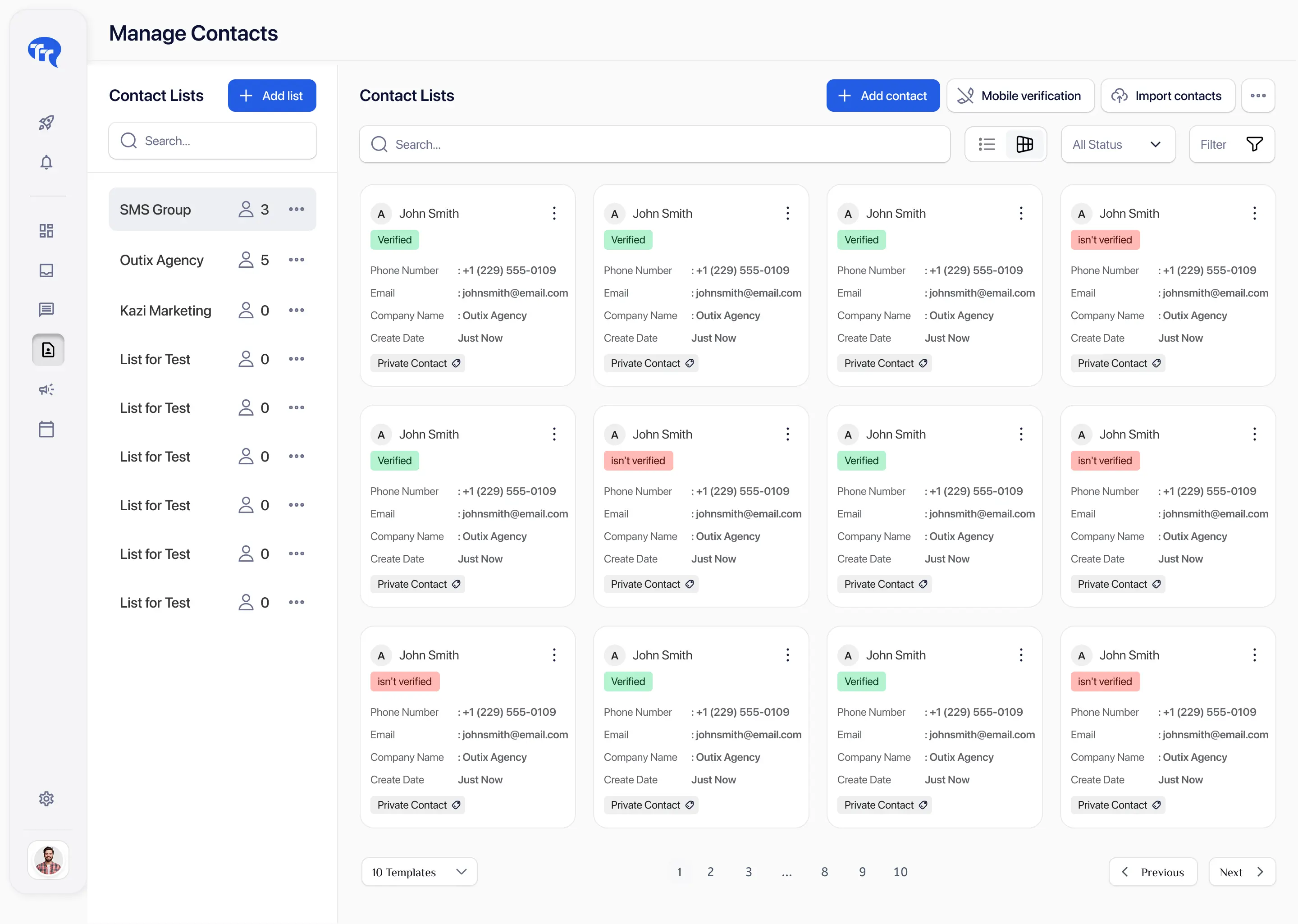
Use the status labels that match the current TextTorrent contact and blocked-list model. An opt-out preference is not the same as a temporary delivery failure.
| Status | What it means | Can the contact receive another campaign? | Recommended action |
|---|---|---|---|
| Opted out / Auto-blocked | The contact requested not to receive further messages, typically by replying with a configured opt-out word such as STOP. | No — treat as suppressed for supported messaging | Keep on the blocked list until a valid re-subscription request |
| Blacklisted | The contact is on the TextTorrent blocked list / blacklist and should not receive messages through the normal campaign workflow. | No — blocked for supported sends | Review source (auto vs manual) and keep suppressed |
| Default / Available | The contact is not blacklisted and may be eligible for messaging when consent and campaign context are appropriate. | Only with appropriate consent and use case | Confirm consent before adding to a campaign |
| Unlisted | The contact is not currently assigned to a contact list. This is an organization state, not an opt-out by itself. | Depends on consent and whether they are blacklisted | Organize into the correct list before campaign use |
| Invalid / unsupported number | The phone number cannot currently receive the intended message because it may be incorrect, disconnected, landline, or otherwise unavailable. | Usually no for SMS workflows | Validate and clean; do not treat as an opt-out preference |
| Failed or undelivered | The message did not receive a successful delivery outcome, but the contact has not necessarily opted out. | Possibly — investigate delivery reason first | Review analytics; do not assume STOP was requested |
MeaningThe contact requested not to receive further messages, typically by replying with a configured opt-out word such as STOP.
Campaign eligibilityNo — treat as suppressed for supported messaging
Recommended actionKeep on the blocked list until a valid re-subscription request
MeaningThe contact is on the TextTorrent blocked list / blacklist and should not receive messages through the normal campaign workflow.
Campaign eligibilityNo — blocked for supported sends
Recommended actionReview source (auto vs manual) and keep suppressed
MeaningThe contact is not blacklisted and may be eligible for messaging when consent and campaign context are appropriate.
Campaign eligibilityOnly with appropriate consent and use case
Recommended actionConfirm consent before adding to a campaign
MeaningThe contact is not currently assigned to a contact list. This is an organization state, not an opt-out by itself.
Campaign eligibilityDepends on consent and whether they are blacklisted
Recommended actionOrganize into the correct list before campaign use
MeaningThe phone number cannot currently receive the intended message because it may be incorrect, disconnected, landline, or otherwise unavailable.
Campaign eligibilityUsually no for SMS workflows
Recommended actionValidate and clean; do not treat as an opt-out preference
MeaningThe message did not receive a successful delivery outcome, but the contact has not necessarily opted out.
Campaign eligibilityPossibly — investigate delivery reason first
Recommended actionReview analytics; do not assume STOP was requested
In TextTorrent, blacklisted / blocked-list is the primary suppression status used in contact filters and the blocked-list API. Exact on-screen labels should match your current account interface.
Follow the supported path from an opt-out reply to blocked-list status and campaign exclusion.
The message is sent through an approved campaign or conversation workflow that includes clear business identification and opt-out instructions where applicable.
The contact may reply with STOP or another opt-out word configured for the account. Clear manual requests from support channels should also be reviewed.
When a reply matches a configured opt-out word, the contact can be auto-blocked. Manual blocked-list actions are available for requests received elsewhere.
The contact is marked blacklisted / blocked, with timestamp and auto-versus-manual source information available through the blocked-list workflow.
Blocked contacts should not receive supported SMS campaigns, automated messages, or inbox replies from the account while they remain on the blocked list.
Authorized users can search the blocked list, filter auto or manual blocks, export records, and review contact status before any re-subscription decision.
TextTorrent lets accounts configure opt-out words. When a contact replies with a matching word, the contact can be auto-blocked. Keyword coverage can vary by account configuration and downstream provider behavior.
Confirm the exact opt-out words configured in your TextTorrent account. TextTorrent does not claim natural-language AI detection of every unsubscribe phrase.
Authorized users can review blocked contacts, search by phone number, filter automatic versus manual blocks, and export records for approved operational workflows.
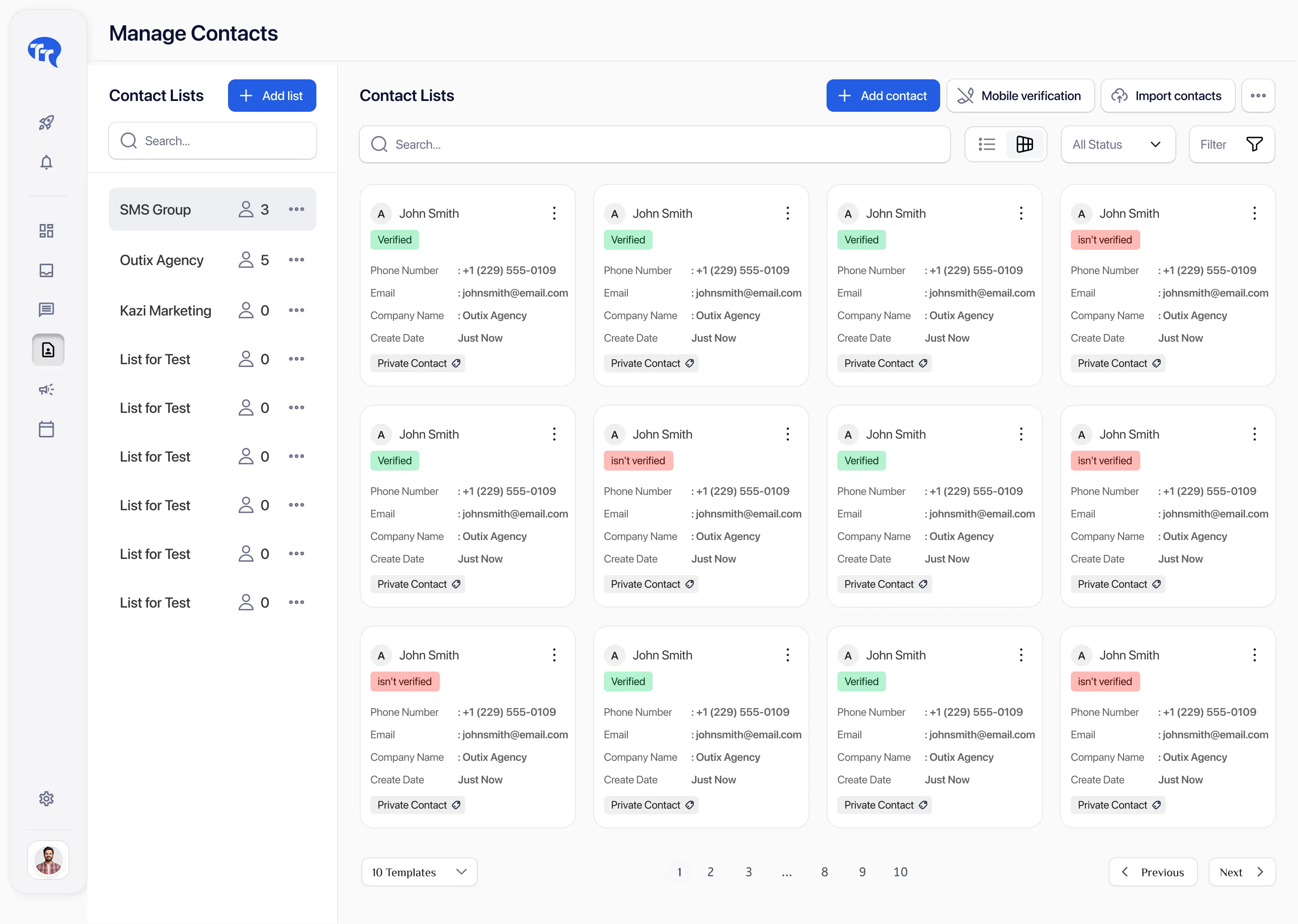
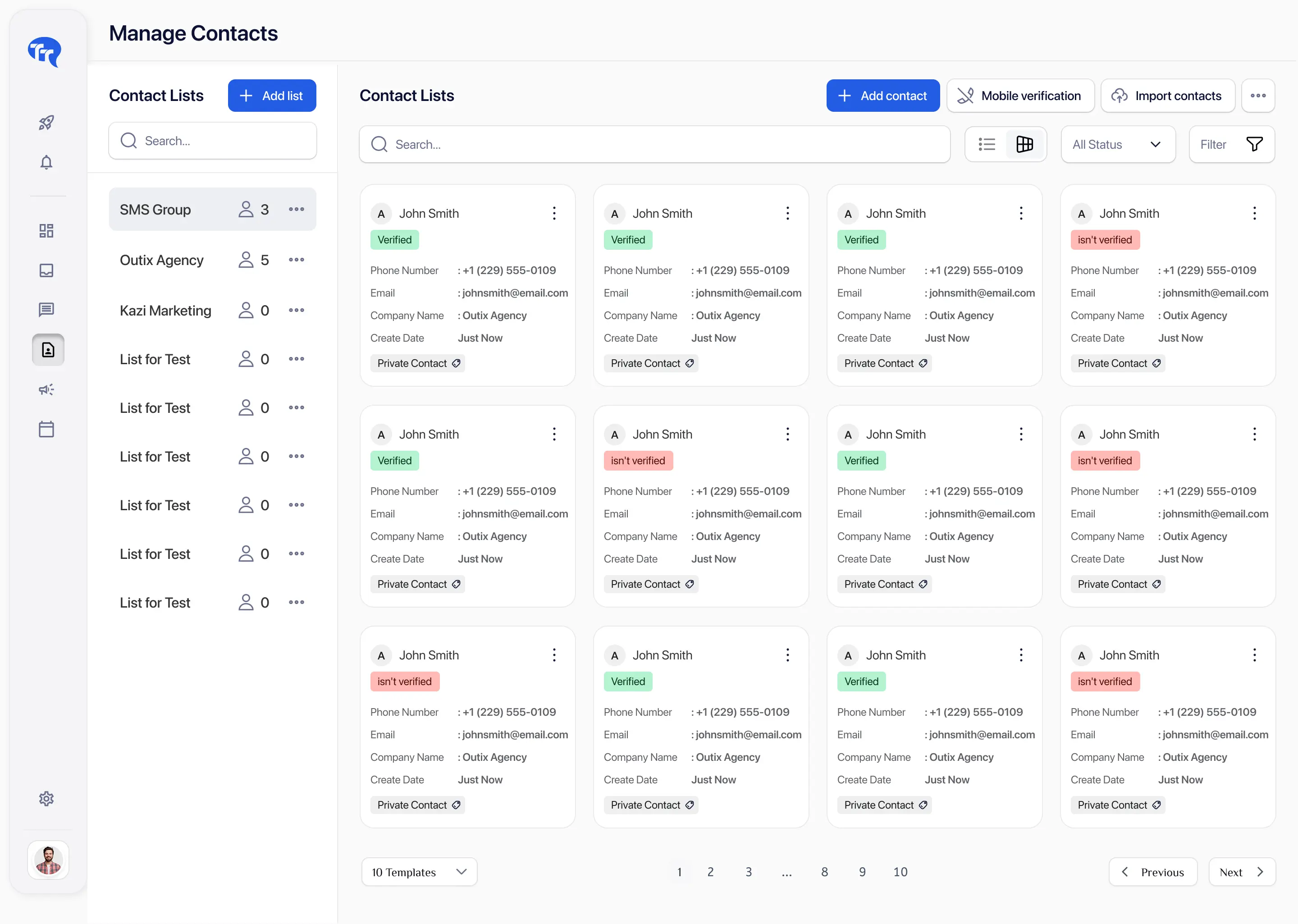
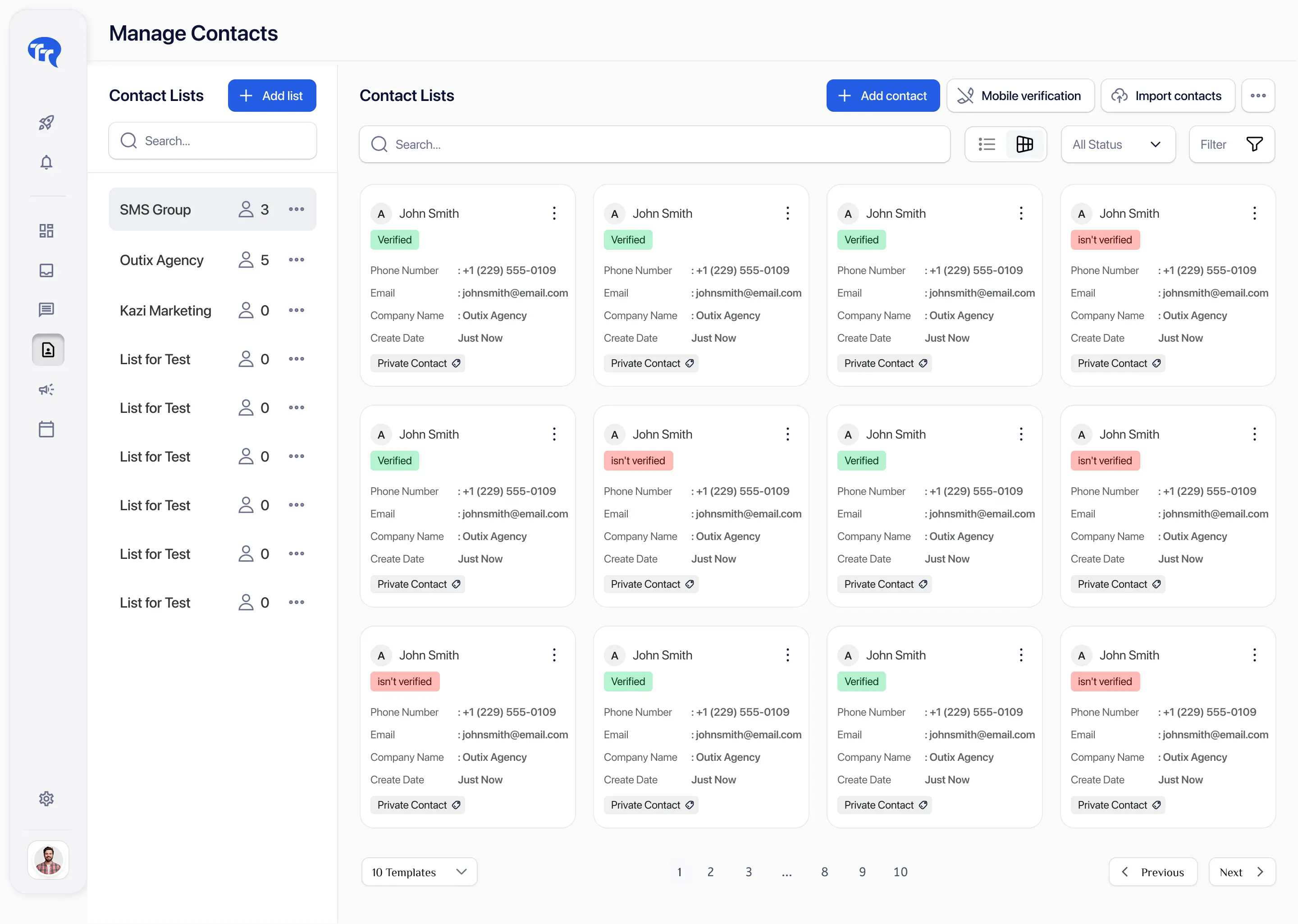
Contact-management filters help teams identify default/available, blacklisted, unlisted, and invalid records before a campaign or follow-up is prepared.

Eligible for messaging only when consent and campaign context are appropriate.

Included in a blocked-list record and should not receive supported messages.

Not assigned to a contact list. Organize before campaign selection.

Number validation indicates the destination may not support the intended SMS workflow.
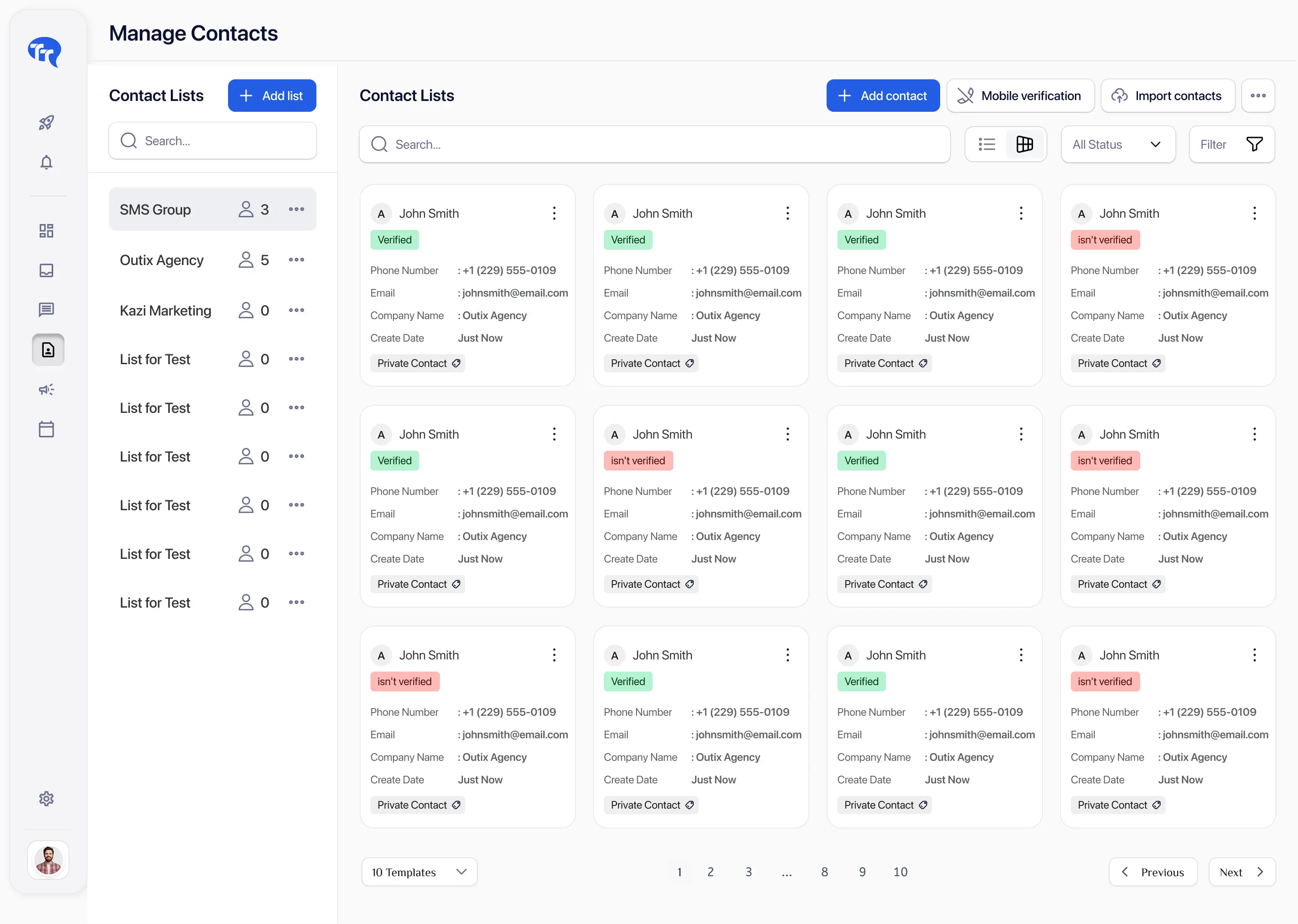
Supported campaign workflows should use current subscriber status so blacklisted contacts are not included in the send audience.
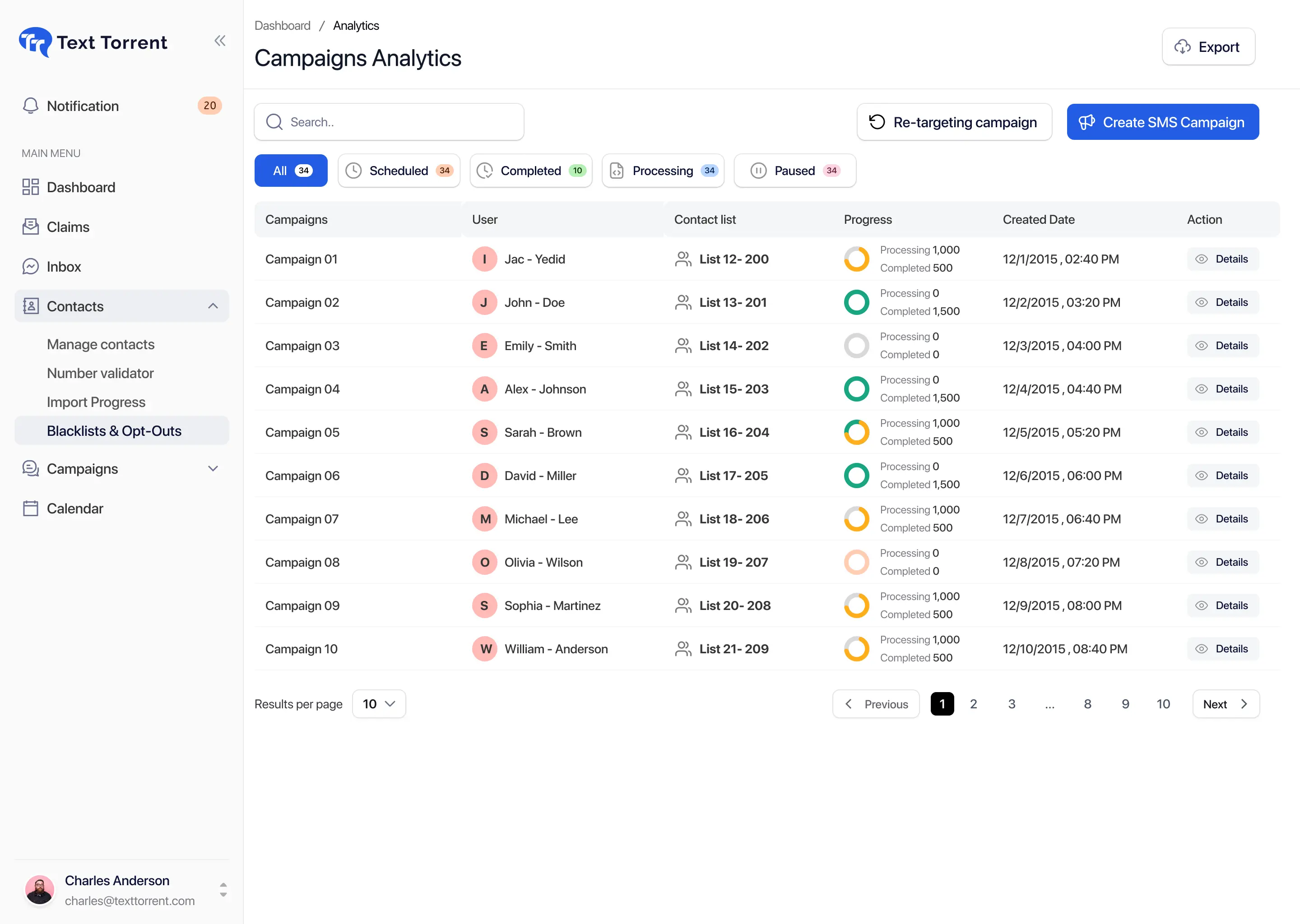
Importing contacts organizes phone numbers for messaging. It does not create consent and should not be treated as permission to reactivate suppressed contacts.
Uploading or re-importing a phone number does not establish consent and should not remove an existing opt-out or suppression record.
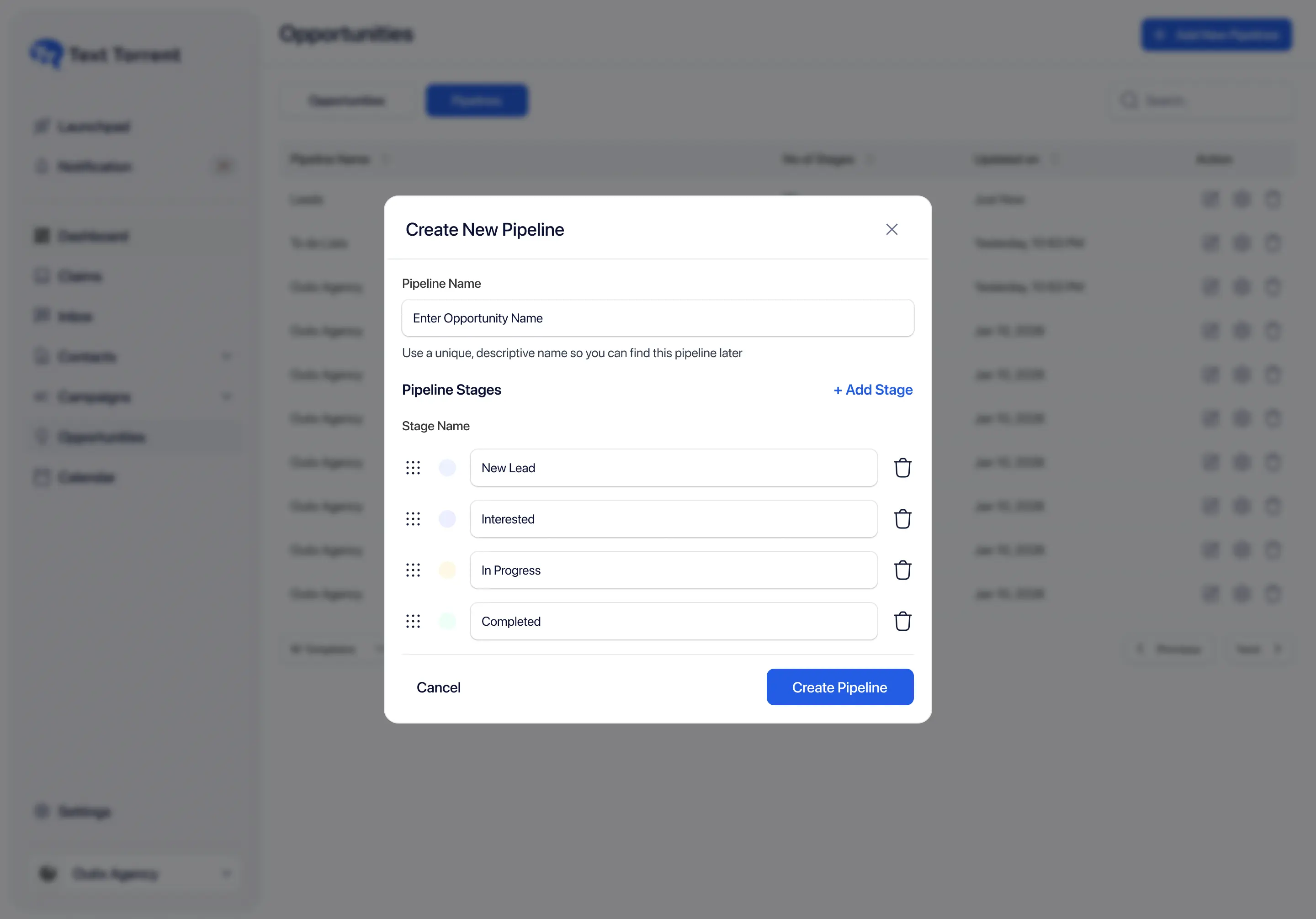
When a contact replies with a configured opt-out word, the conversation remains useful for history while the blocked-list status should stop further supported messaging.
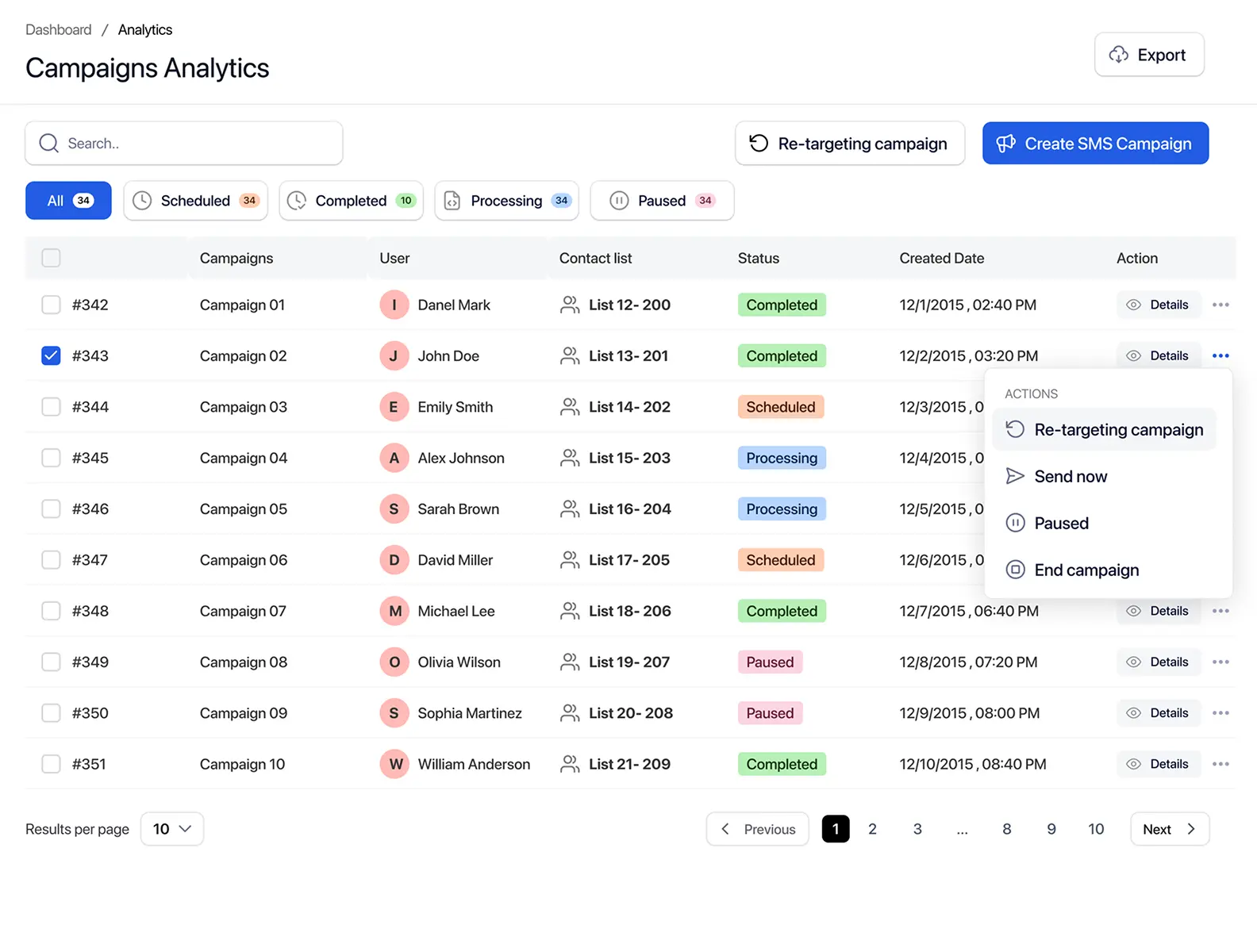
Not every opt-out arrives as a STOP reply. Manual blocked-list actions help honor requests received through other approved channels.
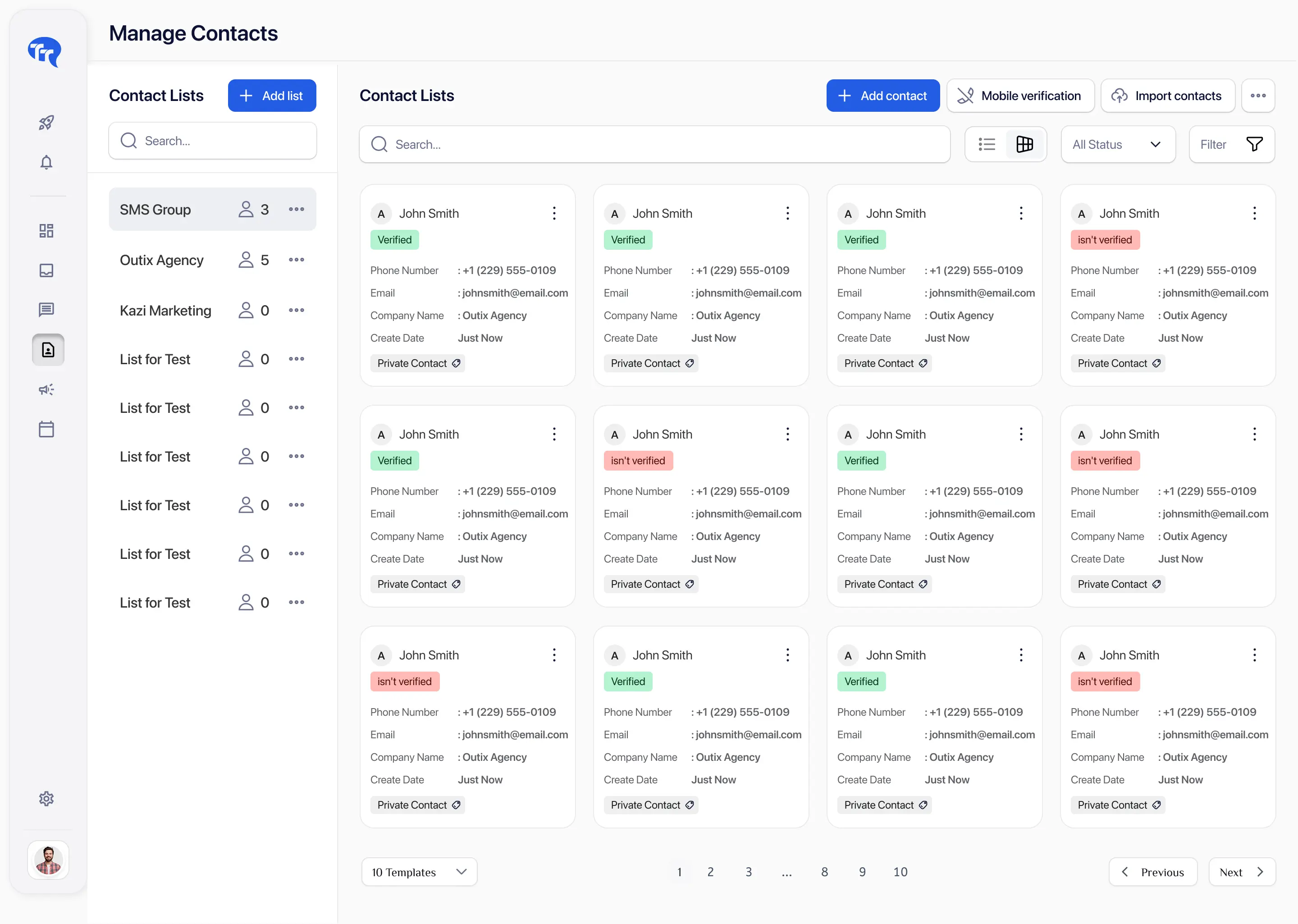
Blocked-list search and filters help teams confirm whether a contact is suppressed, investigate recent opt-outs, and prepare operational reviews.
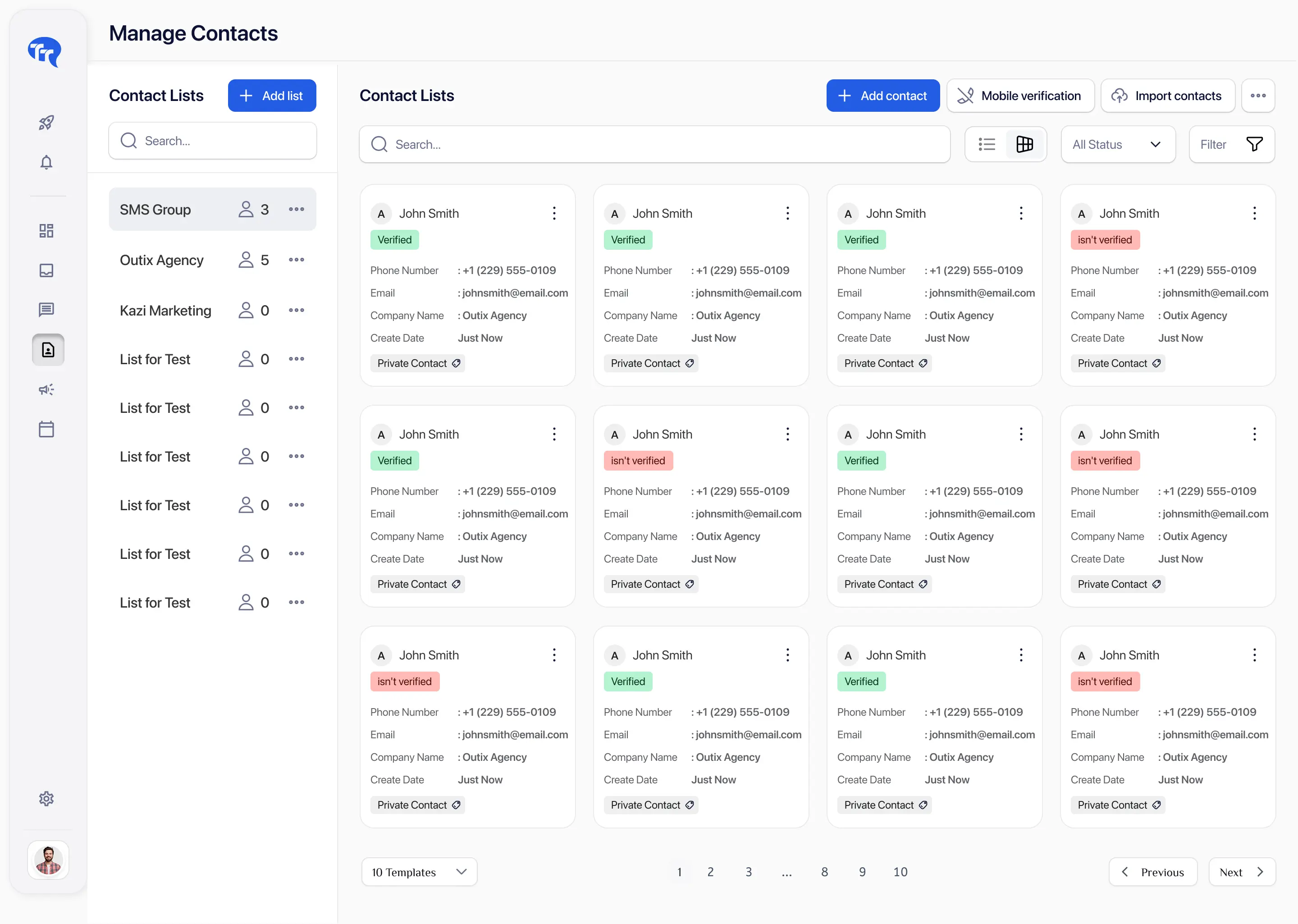
TextTorrent supports exporting blocked-list contacts to Excel where that workflow is available. Protect exported files and limit access to authorized users.
TODO(product): Confirm any current export record limits, exact columns, and role permissions before publishing numeric ceilings.
Suppression scope depends on how the account, sub-accounts, and opt-out-word hierarchy are configured. Do not assume one client’s preferences automatically apply everywhere.
Scope example
If a contact opts out from Client A’s sub-account, determine whether the same phone number is also suppressed in Client B’s sub-account before any further messaging.
TODO(product): Confirm exact global versus sub-account versus number-specific suppression behavior for production FAQs.
Follow-up audiences built from replies or non-replies should use the latest subscriber status so STOP requests are not turned into another promotional push.
Each status requires a different operational action. Silence is not an opt-out, and a failed delivery is not a STOP request.

The contact did not respond. This does not mean opted out, interested, uninterested, invalid, delivered, or read.
The contact requested that messaging stop, or was placed on the blocked list. Do not continue promotional follow-up.
The message did not receive a successful delivery result. Investigate the delivery reason before any retry.
Only contacts with appropriate consent and a non-blocked status should be considered for a relevant follow-up.
A practical path from campaign send to suppression. Adapt the details to the business’s actual messaging program.
TextTorrent receives the reply in the conversation workflow.
If STOP is configured as an opt-out word, the contact can be auto-blocked.
The subscriber status updates to blacklisted / blocked.
The phone number appears in the blocked-list records.
The contact is excluded from future supported campaign audiences.
Authorized users can search and review the record.
The business does not continue promotional follow-up.
Any future re-subscription request follows an approved process.
An opted-out or blacklisted contact should not be reactivated simply because the number is uploaded again, assigned to another group, or needed for a new campaign.
Contacts can be removed from the blocked list through an authorized unblock workflow. Removal restores messaging eligibility in the product sense—it is not proof of new consent by itself.
Most avoidable issues come from treating imports, delivery failures, or internal urgency as if they reset subscriber preferences.
A new import should not erase an existing opt-out or blocked-list record.
A user’s desire to send another campaign is not re-subscription.
Failed, invalid, or undelivered numbers are different statuses from STOP requests.

Silence does not justify unlimited messaging or retargeting loops.

Opt-outs handled in another CRM or provider may not automatically appear in TextTorrent.

Changing the sending number should not be used to bypass a subscriber’s request.

A clear request made by email, phone, or support should be reviewed and applied where appropriate.

Status changes should be limited to authorized users who understand re-subscription requirements.

A2P 10DLC approval does not establish consent for every contact on a list.
TextTorrent’s API documents blocked-list and opt-out-words endpoints for retrieving, adding, removing, and exporting suppression records.
Review blocked-list and opt-out words API docs
Registration, consent, suppression, and campaign operations work together. Tools help, but the business remains responsible for lawful messaging.
TextTorrent provides messaging tools and operational controls, not legal advice. Customers remain responsible for obtaining appropriate consent and complying with applicable laws, carrier requirements, industry rules, privacy obligations, and the terms of their messaging registration.
Opt-out handling is more useful when it sits next to contacts, campaigns, conversations, and reporting—not in a separate spreadsheet.
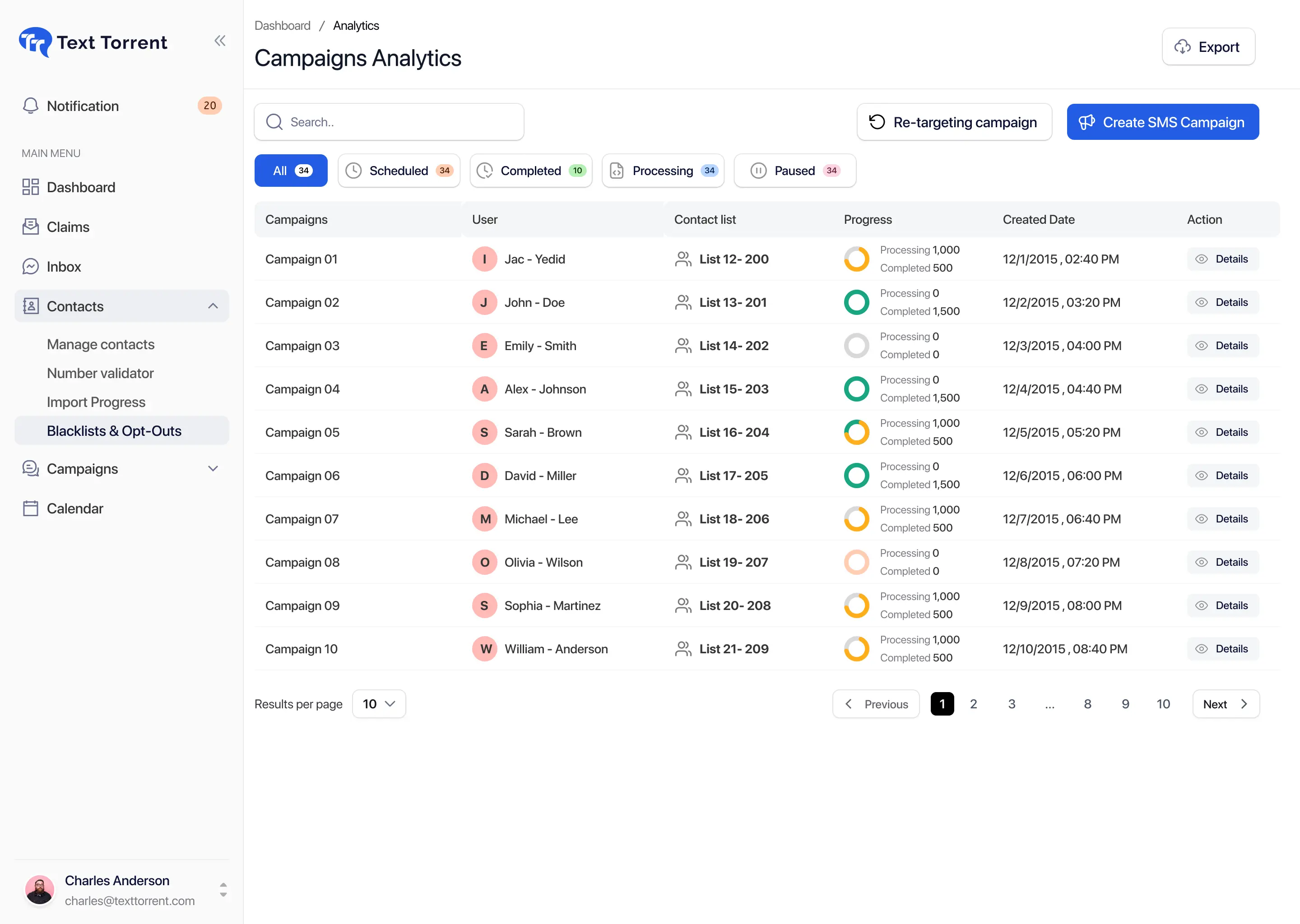
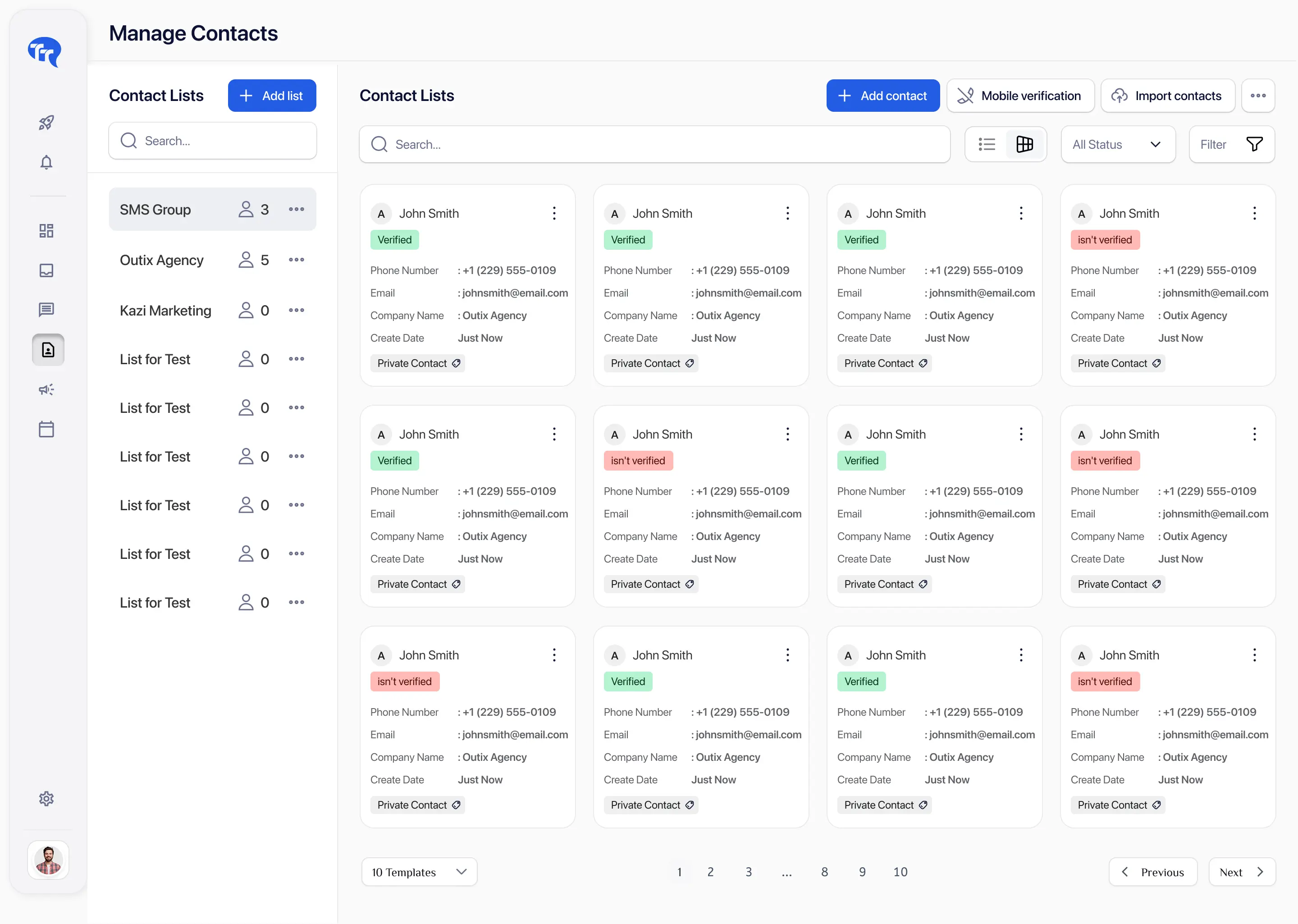
Authorized users can review blocked-list information alongside contact records and filters.

Subscriber status helps prevent supported campaigns from including blacklisted contacts.
Opt-out replies can remain visible in messaging history while updating the relevant blocked-list status.
Reply-based follow-up audiences should exclude contacts who have since opted out.
Account structure and access controls help organizations manage who can view or change subscriber preferences.
Start with the trial, then choose a plan based on credits and team needs. Opt-out and blacklist tools are part of the broader messaging platform.
Everything in our starter plan includes
Everything in starter plus
Everything in growth plus
Full access to all platform features
Practical answers for teams evaluating TextTorrent opt-out and suppression tools.
SMS opt-out management is the process of recognizing unsubscribe requests, updating subscriber status, maintaining blacklist or blocked-list records, and excluding suppressed contacts from future messaging.
When a contact replies with a configured opt-out word such as STOP, TextTorrent can auto-block the contact on the blocked list. The contact should then be excluded from supported campaigns, automated messages, and inbox replies while they remain suppressed. Exact confirmation messaging depends on provider and account configuration.
TextTorrent lets accounts configure opt-out words. Commonly recommended words include STOP, STOPALL, UNSUBSCRIBE, CANCEL, END, QUIT, OPT OUT, and REMOVE. Confirm the words configured in your account, because recognition depends on that configuration and downstream provider behavior.
In TextTorrent, blacklisted / blocked-list is the primary suppression status used in contact filters and the blocked-list API. An opt-out reply that matches a configured opt-out word can automatically place the contact on that blocked list. Exact on-screen labels should match the current product interface.
Blocked contacts should not receive supported SMS campaigns, automated messages, or inbox replies from the account while they remain on the blocked list. Teams should still review audiences and connected systems before sending.
No. Re-importing a phone number should not establish new consent or remove an existing suppression record. Confirm import behavior in your account if you rely on automatic matching.
Yes. TextTorrent supports manually adding phone numbers to the blocked list when an opt-out request is received through support, email, phone, or another approved channel.
Yes, authorized users can remove contacts from the blocked list through the unblock workflow. Removal should happen only after a valid re-subscription request. Unblocking restores messaging eligibility in the product; it is not itself proof of new consent.
START support depends on the active messaging workflow and provider configuration. Confirm whether START or similar re-subscription keywords are recognized in your TextTorrent account before relying on them. A clear new opt-in through an approved consent process is the safer default.
Yes. TextTorrent supports exporting blocked-list contacts to Excel through the platform and API workflows. Protect exported files and confirm any current field or volume limits in your account.
Suppression scope depends on account, sub-account, and provider configuration. Do not assume one client workspace’s opt-out automatically applies to every other workspace or external gateway. Confirm the scope for your setup before multi-account sending.
No. TextTorrent provides messaging and opt-out-management tools, but customers remain responsible for consent, message content, privacy, registration accuracy, and compliance with applicable requirements.