


Shared Inbox
Text conversations remain part of the shared inbox workflow while supported voice calls are handled through forwarding or voicemail where configured.
Explore the shared SMS inboxBusiness call forwarding helps teams keep one public TextTorrent number while directing supported incoming calls to the right destination. Customers can still reach the same local business number they see in your marketing, messages, and contact details. Configure forwarding from the TextTorrent dashboard on voice-capable numbers where the feature is available, then continue managing SMS conversations, contacts, and campaigns in the same business communication workflow.
Teams often publish one business number for marketing and messaging, then need supported incoming calls to reach a mobile phone, office line, or available teammate.

Forward supported calls from a published business number to a mobile or remote phone without changing your public contact details.

Keep one advertised number while directing supported calls to the location or teammate currently handling inquiries.

Route funding, property, policy, or service inquiries to the representative who can answer when the call arrives.

Update the forwarding destination when coverage changes, instead of reprinting marketing materials with a new public number.
On voice-capable TextTorrent numbers where call forwarding is configured, supported incoming calls can be directed to another destination.
Your customers dial the TextTorrent business number published in marketing, messages, or contact details.
An incoming voice call reaches a number that supports voice capability.
TextTorrent receives the supported incoming call through the number’s voice workflow.
Where call forwarding is configured, the call may be forwarded to the destination number saved for that business number.
A teammate answers on the forward destination. Where voicemail is enabled instead or in addition, missed calls may be reviewed in the control panel.
Call recording, IVR, ring groups, outbound calling, simultaneous ringing, time-based routing, and voicemail transcription are not claimed on this page.
Use the number-management workspace to review capability and configure call forwarding where the feature is available for that number.
Open the number you want customers to call from your TextTorrent number list.
Verify the number exposes voice capability before relying on call handling. Not every number supports voice.
Open the call-handling or forwarding settings available for that number in the dashboard.
Save the destination phone number that should receive supported incoming calls.
Save the configuration, then place a test call to confirm the supported forwarding path before advertising the number more widely.
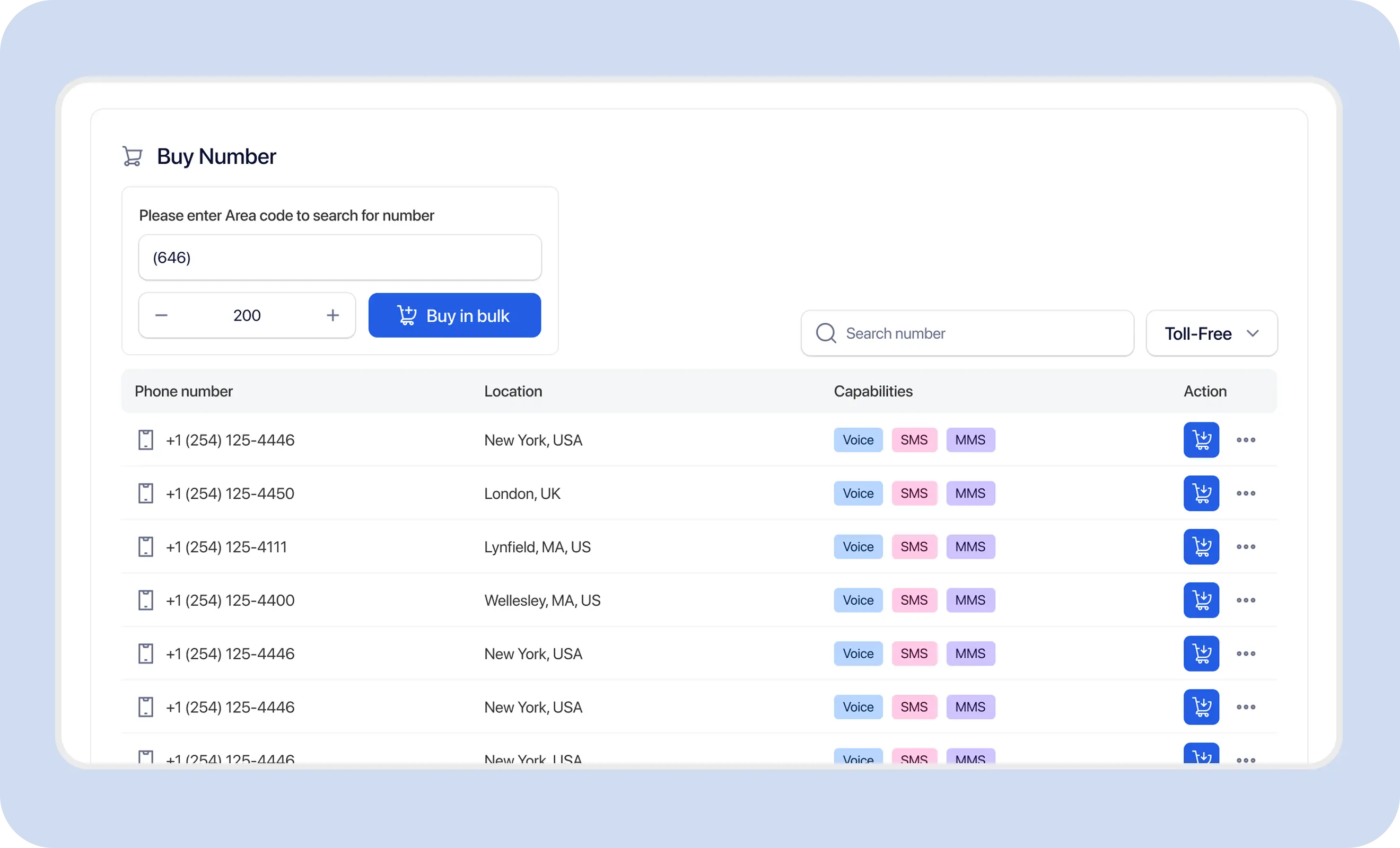
Exact field labels and toggle names should be confirmed against the live dashboard. This page does not claim multiple simultaneous destinations, ring groups, or advanced routing rules.
Publishing one consistent business number makes contact management simpler while internal call handling can still change when coverage changes.
A published local area code does not automatically prove a physical office location. Confirm registration, consent, and number capability separately.
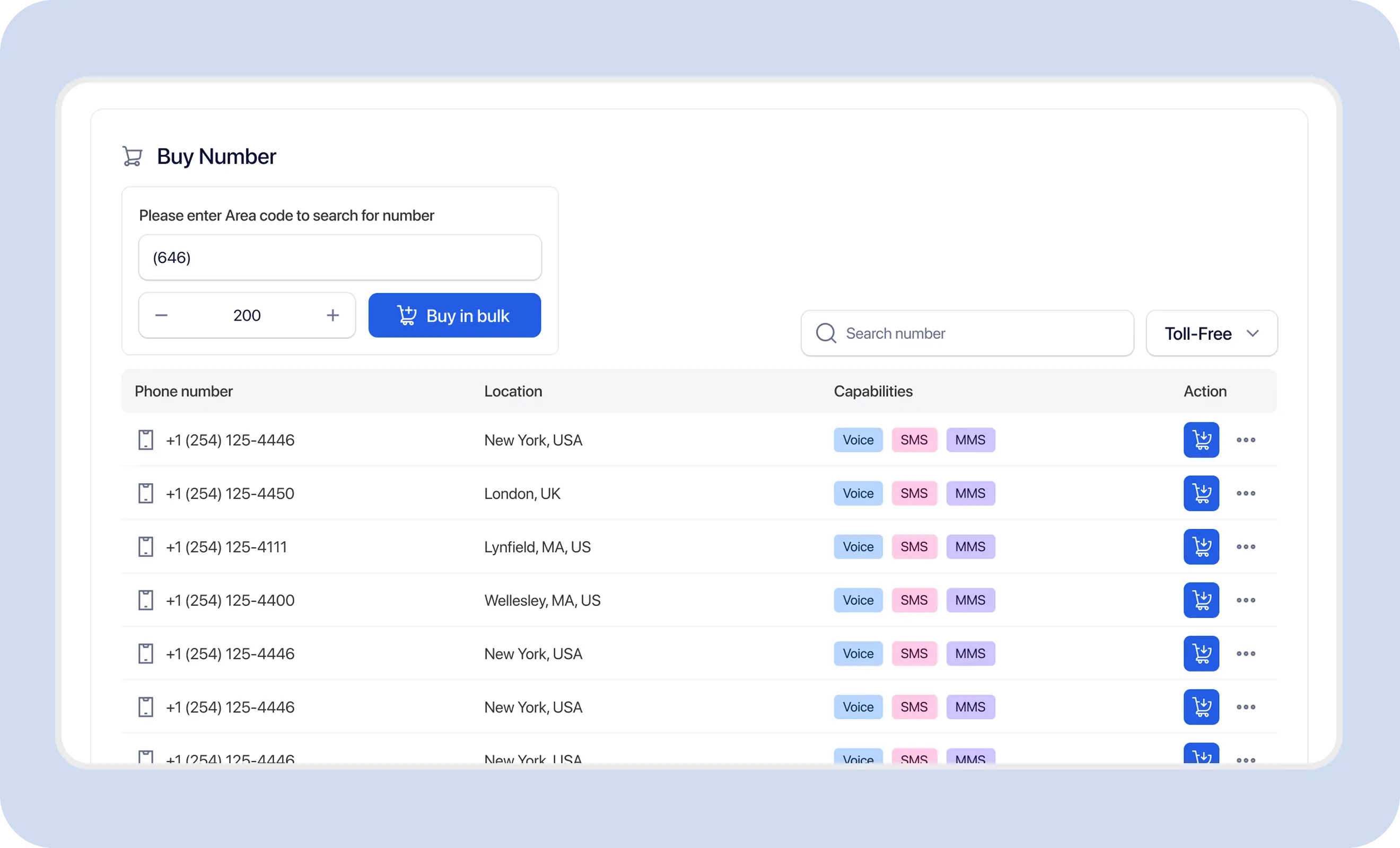
Local TextTorrent numbers can support SMS, MMS, and voice depending on inventory and provider capability. Confirm voice capability before enabling call forwarding.
Do not assume every purchased number supports voice or call forwarding. Review live capability before setup.
Call forwarding sits alongside TextTorrent messaging tools so the same business number can support customer calls and text conversations where capabilities allow.
Text conversations remain part of the shared inbox workflow while supported voice calls are handled through forwarding or voicemail where configured.
Explore the shared SMS inboxUse the same business number for customer texting and supported voice forwarding when the number exposes both SMS and voice capability.
Explore two-way text messagingAutomation can manage messaging follow-up while team members answer live calls on the configured forward destination.
Explore SMS automationKeep customer information organized alongside the business number used for messaging and supported call handling.
Explore contact managementDevelopers can continue using messaging APIs while supported business calls are handled separately through number call settings. Call-forwarding configuration is not currently documented as an API endpoint.
Explore the SMS APIThese examples show realistic coverage needs. They do not imply advanced call-center routing or industry-specific automation.
Confirm consent and registration before promotional outreach.
Explore Merchant Cash Advance messagingConfirm voice capability before advertising the number.
Explore Real Estate messagingFollow applicable healthcare communication and consent rules.
Explore Healthcare messagingOnly send messages permitted by consent and registration.
Explore Insurance messagingTextTorrent keeps supported call handling connected to business number management and messaging workflows—not as a standalone PBX product.

Configure supported call forwarding from the TextTorrent number-management workspace.

Review number status, assignment, and capability before relying on voice workflows.
Use local business numbers for messaging and supported incoming call handling where capability allows.

Keep text conversations and supported call handling connected to the same business identity.
Direct supported calls to the person covering the line while the team continues messaging in TextTorrent.
Call forwarding on TextTorrent is described here only for supported incoming calls on voice-capable numbers.
Call forwarding helps route supported incoming calls. It does not replace consent, registration, or responsible communication practices.
TextTorrent provides messaging and supported call-handling tools, not legal advice. Customers remain responsible for consent, registration accuracy, message content, call handling practices, data protection, and compliance with applicable laws, carrier requirements, industry rules, and the terms of their account.
Practical answers based on currently verified TextTorrent call-handling positioning.
Business call forwarding lets a published business number direct supported incoming calls to another destination phone number. On TextTorrent, this applies where a number is voice-capable and call forwarding is configured.
Yes, where a local TextTorrent number is voice-capable and call-forwarding configuration is available for that number. Confirm capability before relying on voice workflows.
Yes. Update the destination in the number’s call-handling settings in the TextTorrent dashboard, save the change, and place a test call to confirm the new path.
Call forwarding handles supported incoming voice calls. SMS capability is separate. A number may support SMS, voice, MMS, or a combination depending on its capabilities. Confirm each capability independently.
Yes. Return to the number’s call settings in the dashboard and disable or clear the forwarding configuration where that control is available, then test the resulting call behavior.
Supported incoming calls can be forwarded to a destination phone that a teammate answers. Advanced features such as ring groups, simultaneous ringing, or sequential hunting are not claimed on this page.
No. The point of business call forwarding is to keep one published TextTorrent number while directing supported calls to another destination you already use, such as a mobile or office phone.
Yes. Destination phones commonly include mobile numbers. Enter the destination you want to receive supported incoming calls, save the setting, and test the path.
A2P 10DLC registration applies to application-to-person messaging over US local numbers. Call forwarding is a separate voice-handling setting. Keep messaging registration current for SMS use cases, and confirm voice capability separately for call handling.
Yes. Call forwarding is configured from the TextTorrent dashboard number settings where the feature is available. Dedicated call-forwarding API endpoints are not currently documented.

